Documentation Index

Fetch the complete documentation index at: https://docs.canadava.com/llms.txt

Use this file to discover all available pages before exploring further.

Canadian Airport Briefings
For flight-simulation use only - Do NOT use for real-world flight
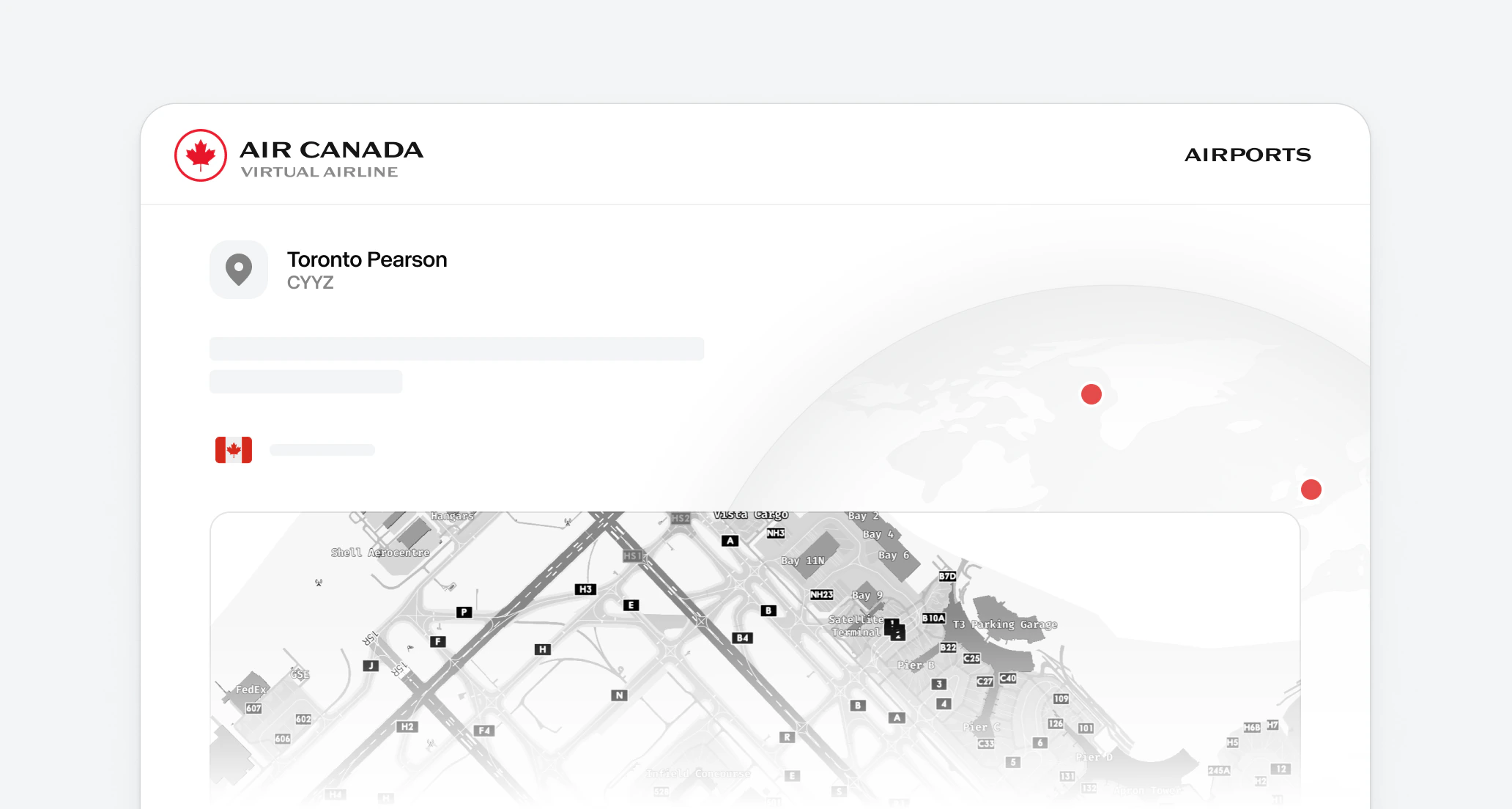
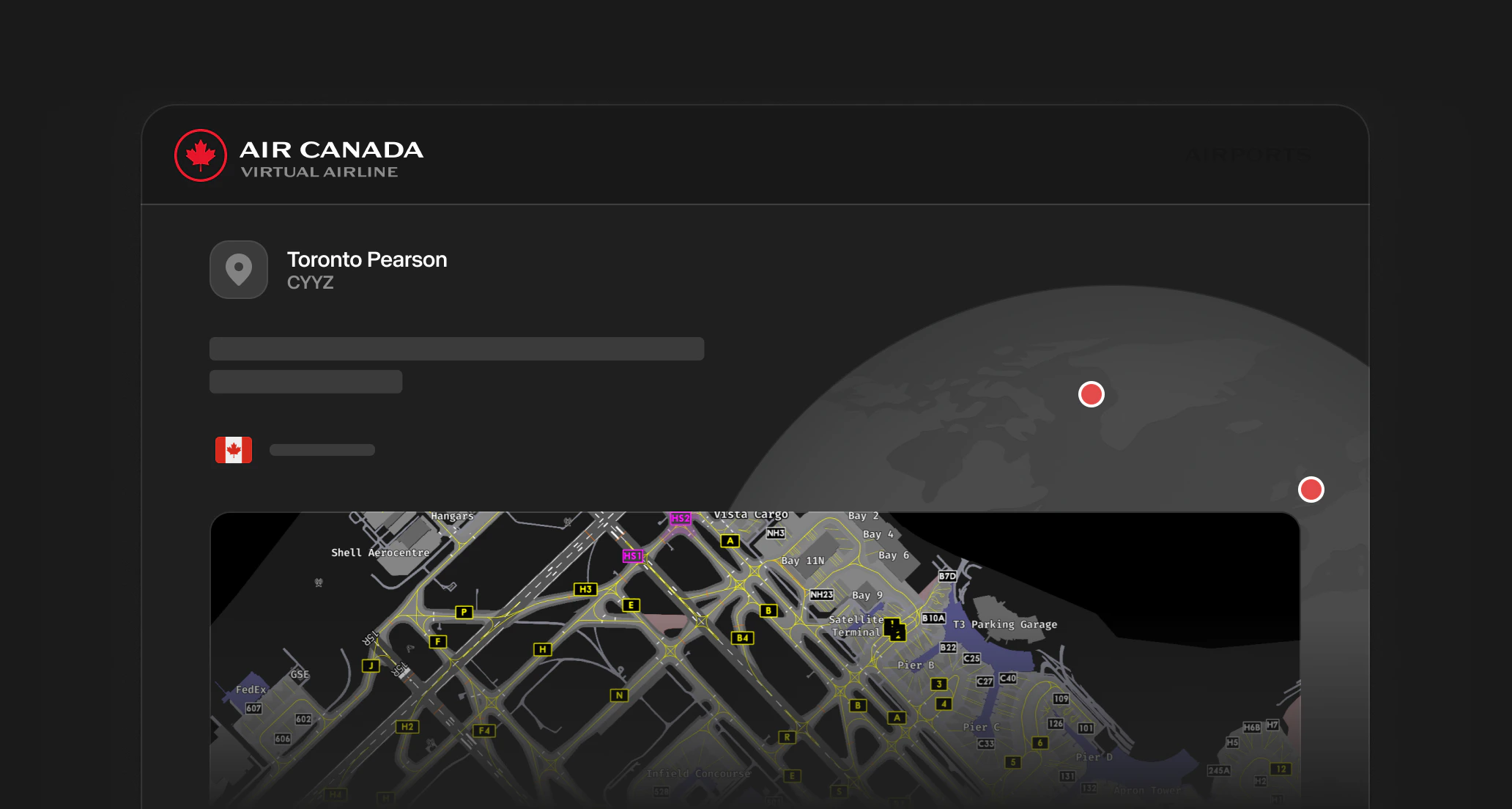
This section gives you a quick reference for the Canadian airports you will fly most often at Virtual Air Canada. Each page covers the field layout (runways, lengths, ILS categories), the published ATC frequencies, the typical operational rhythm, common hot spots and hazards, and a live METAR pulled from the FAA Aviation Weather Center API so you can check current conditions without leaving the page. The eight airports here are Air Canada’s three primary hubs (Toronto, Montréal, Vancouver), Calgary as the fourth major Western Canadian gateway, and four regional cities where Air Canada operates daily mainline or Express service (Ottawa, Québec City, Edmonton, Halifax). Use these briefings during pre-flight planning, alongside your SimBrief release, charts, and the latest METAR / TAF.

Airports

Charts

How to Use These Briefings

The runway schematic on each page is a stylized diagram, not a navigation chart. Use it to recognize the field layout at a glance. For real procedures, taxi clearances, and approach plates, always cross-reference the current Canada Air Pilot (CAP) and the active package. The Live Weather block fetches the most recent from the Aviation Weather Center and refreshes every five minutes. Tap Metar & Taf Visual decoder for a graphical breakdown including TAF, ceiling, wind components, and predicted conditions. The Online ATC Network Maps block links to the live coverage maps for the major virtual ATC networks. Always check who is online before pushing back, particularly on VATSIM where coverage of major Canadian fields fluctuates throughout the day.

Back to ASOPs

Return to the ASOPs index