> ## Documentation Index
> Fetch the complete documentation index at: https://docs.canadava.com/llms.txt
> Use this file to discover all available pages before exploring further.
# Changelog
> Track every Virtual Air Canada platform update, including new aircraft, ACARS releases, Pilot Portal features, and route changes.
Briefing pages for the seven Canadian airports vACA pilots fly most often: CYYZ, CYUL, CYVR, CYYC, CYOW, CYEG, and CYHZ. Each page includes a runway schematic, live METAR fetched from the Aviation Weather Center, ATC frequencies, common procedures, hot spots, and live ATC network coverage maps." }}>
## Canadian Airport Briefings
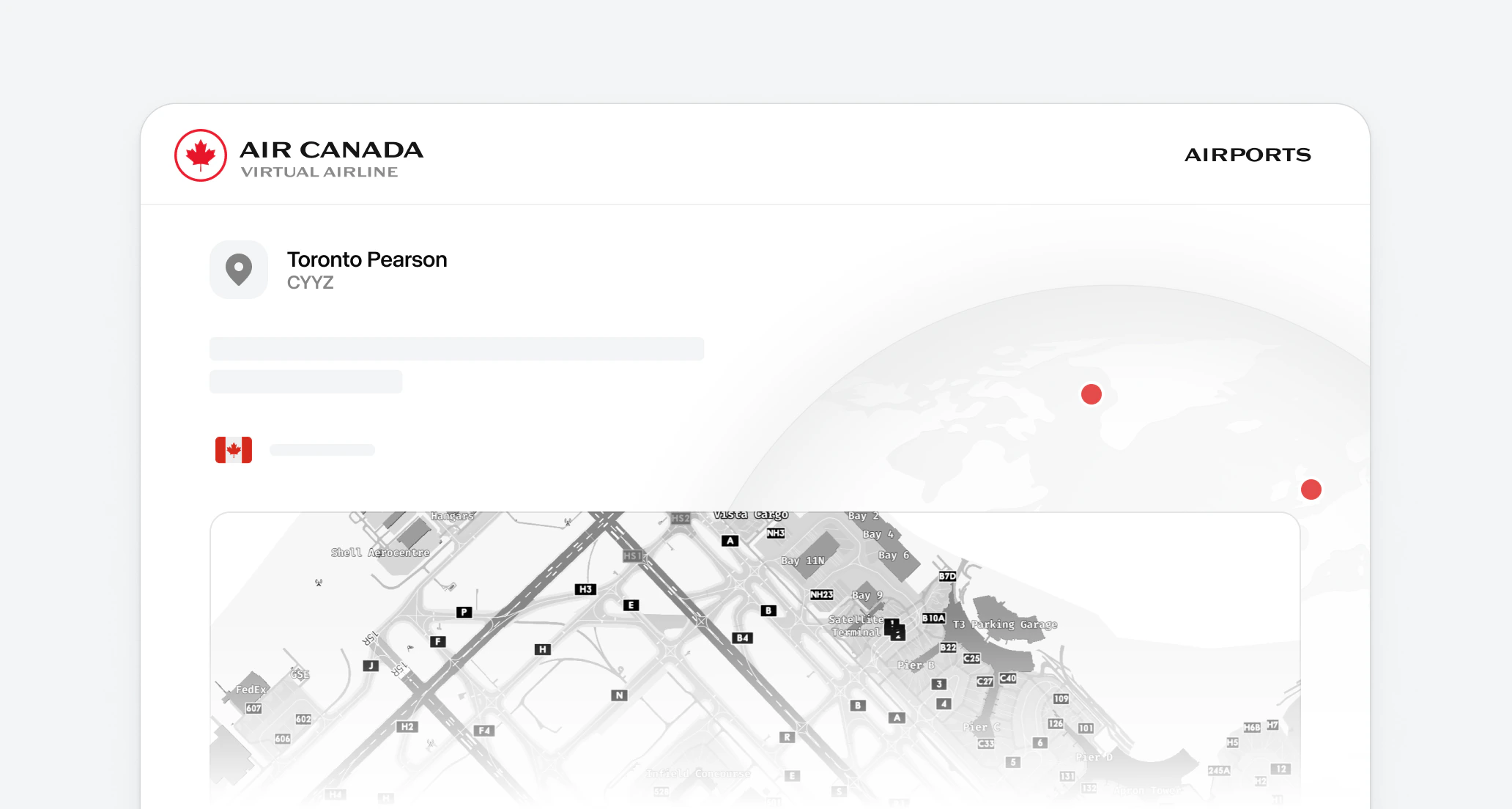
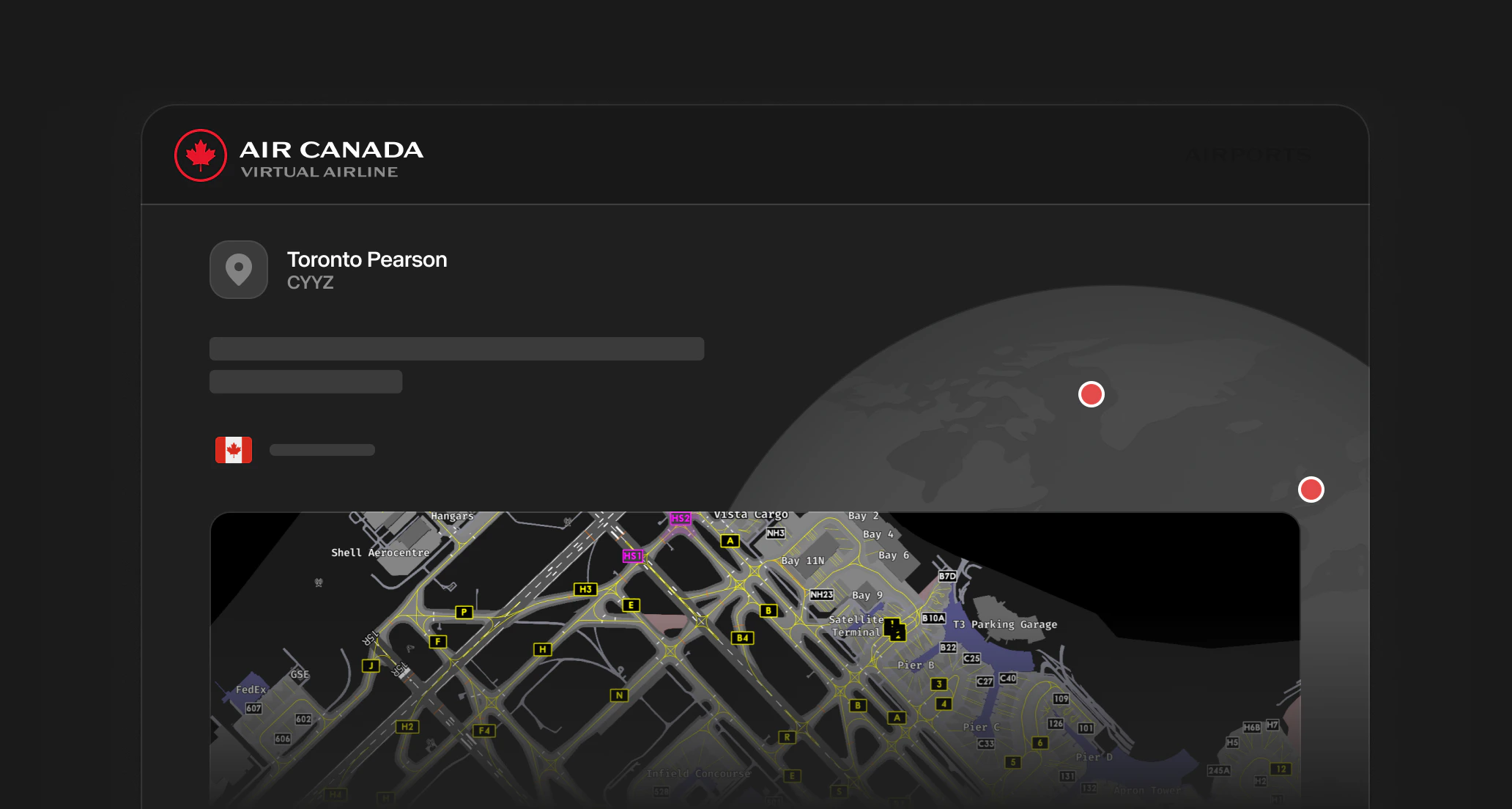 Briefing pages are now live for the seven Canadian airports you fly most often at Virtual Air Canada: Toronto Pearson (CYYZ), Montréal-Trudeau (CYUL), Vancouver (CYVR), Calgary (CYYC), Ottawa (CYOW), Edmonton (CYEG), and Halifax (CYHZ).
#### What's included
* **Runway schematics**: a stylized aerodrome-chart view of every runway with thresholds, designators, length, ILS category, surface, and lighting.
* **Live METAR**: pulled directly from the FAA Aviation Weather Center API and refreshed every five minutes, with a one-click link to a visual METAR/TAF decoder.
* **ATC frequencies**: an interactive radio-panel display where every frequency is one click to copy, with role icons for ATIS, Ground, Tower, Departure, and Arrival.
* **Common procedures, hot spots, and local hazards**: runway selection, parallel ops, noise routing, terrain considerations, weather-driven swaps, and known incursion-risk intersections.
* **Online ATC network maps**: direct links to VATSIM, IVAO, POSCON, and PilotEdge coverage for the field.
**Explore**: [Canadian Airport Briefings](/aops/airports/index)
Generate your own multi-leg flying programs in Pilot Hub. Pick your parameters, save the roster, and complete each leg at your own pace." }}>
## Personal Rosters
Briefing pages are now live for the seven Canadian airports you fly most often at Virtual Air Canada: Toronto Pearson (CYYZ), Montréal-Trudeau (CYUL), Vancouver (CYVR), Calgary (CYYC), Ottawa (CYOW), Edmonton (CYEG), and Halifax (CYHZ).
#### What's included
* **Runway schematics**: a stylized aerodrome-chart view of every runway with thresholds, designators, length, ILS category, surface, and lighting.
* **Live METAR**: pulled directly from the FAA Aviation Weather Center API and refreshed every five minutes, with a one-click link to a visual METAR/TAF decoder.
* **ATC frequencies**: an interactive radio-panel display where every frequency is one click to copy, with role icons for ATIS, Ground, Tower, Departure, and Arrival.
* **Common procedures, hot spots, and local hazards**: runway selection, parallel ops, noise routing, terrain considerations, weather-driven swaps, and known incursion-risk intersections.
* **Online ATC network maps**: direct links to VATSIM, IVAO, POSCON, and PilotEdge coverage for the field.
**Explore**: [Canadian Airport Briefings](/aops/airports/index)
Generate your own multi-leg flying programs in Pilot Hub. Pick your parameters, save the roster, and complete each leg at your own pace." }}>
## Personal Rosters
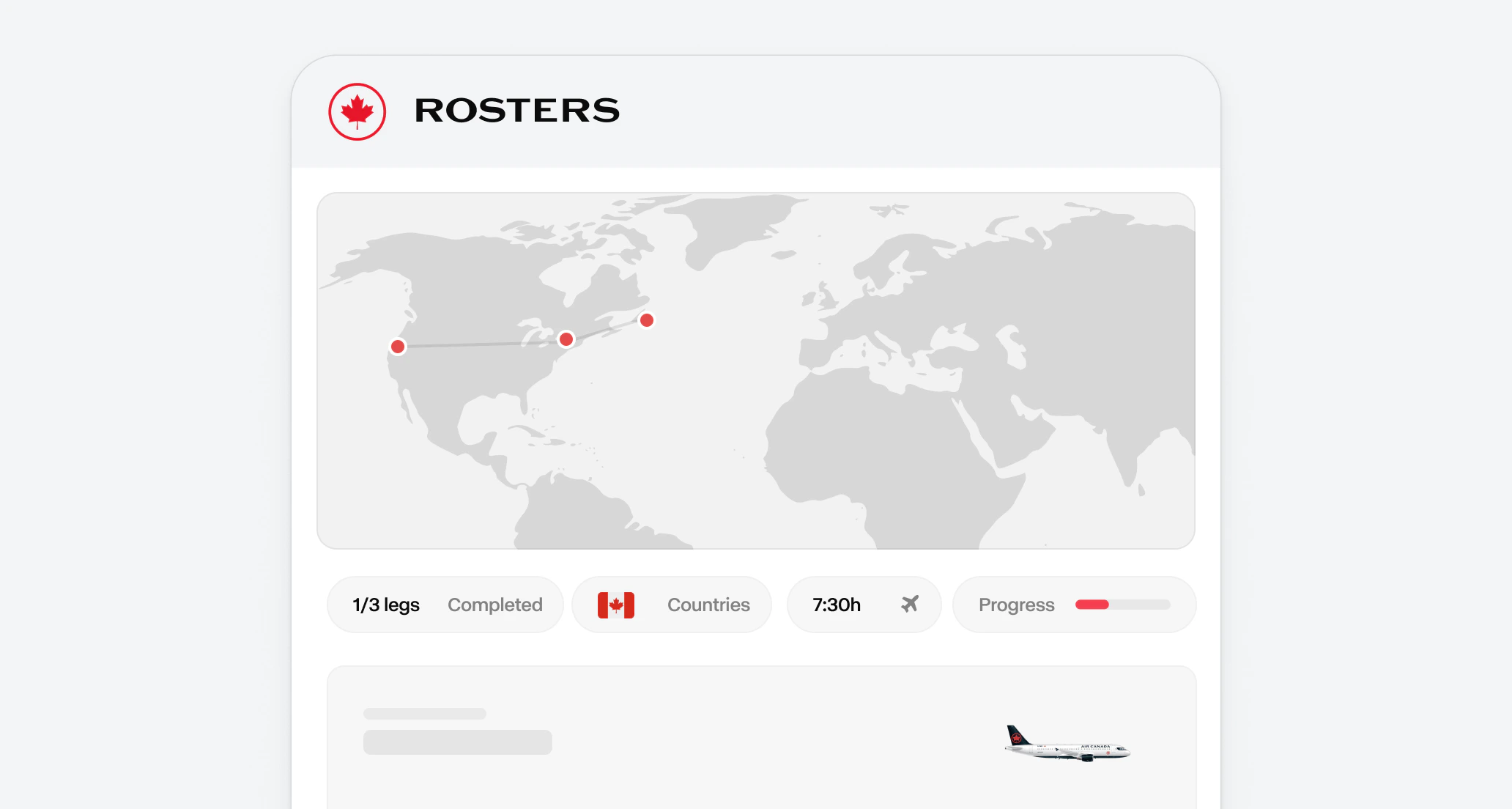
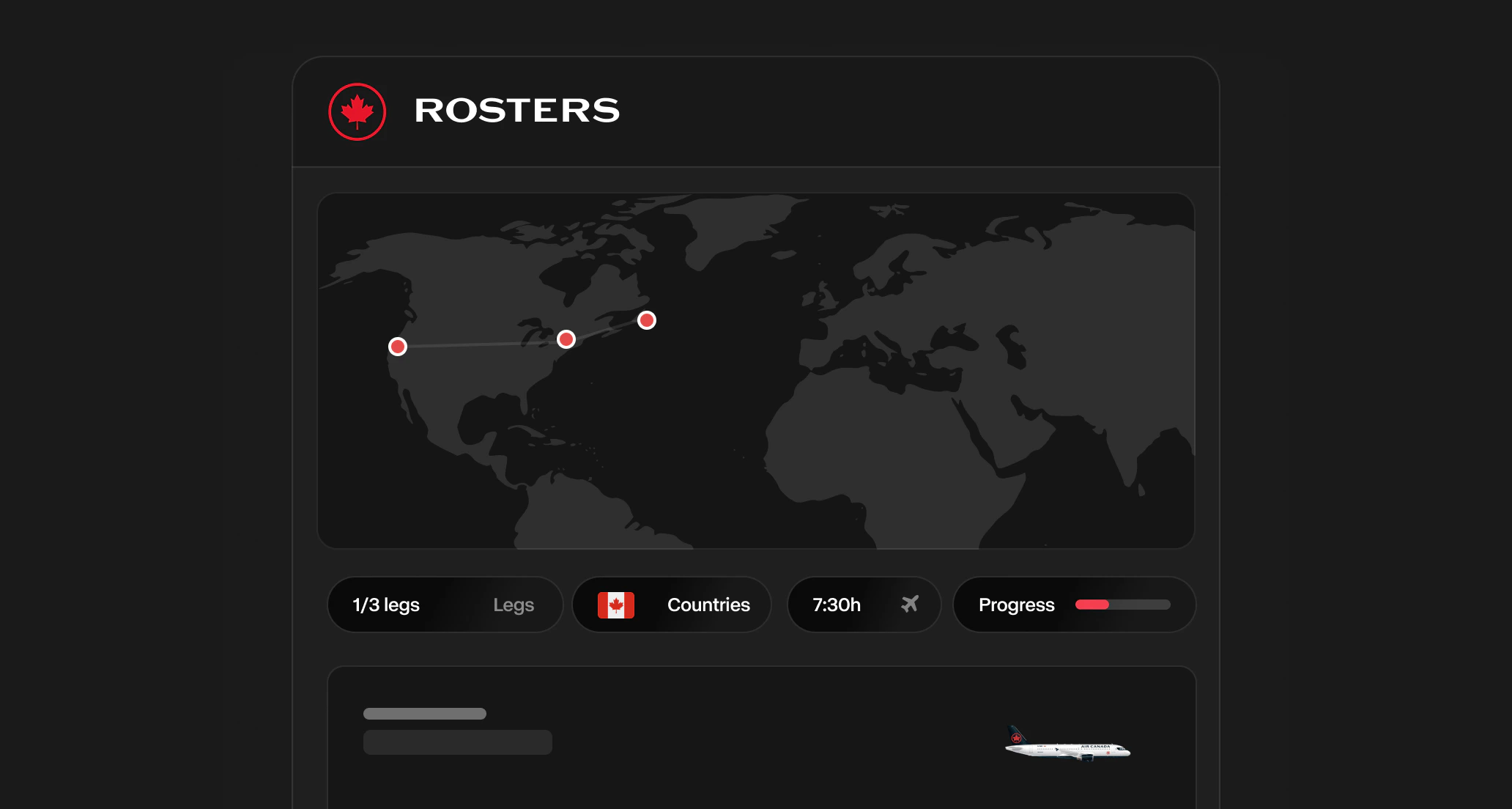 You can now build your own flying program inside Flight Centre. Set the starting airport, fleet, operators, and leg count, then let the Roster Generator put together a multi-leg trip you can save and complete at your own pace.
#### What you can do
* **Pick your parameters**: Generator type (one-way or return), starting/final airport, allowed fleets, operator restrictions, leg count, and min/max leg length.
* **Preview before saving**: See every leg on the map before you commit.
* **Track your progress**: Saved rosters appear on the My Rosters page with a progress bar, and each leg can be booked through the normal flight booking flow.
**Learn more**: [My Rosters](/essentials/rosters)
A complete guide to flying on the VATSIM network - registration, software setup, radio communication, ATC procedures, and advanced operations." }}>
## VATSIM Guide
You can now build your own flying program inside Flight Centre. Set the starting airport, fleet, operators, and leg count, then let the Roster Generator put together a multi-leg trip you can save and complete at your own pace.
#### What you can do
* **Pick your parameters**: Generator type (one-way or return), starting/final airport, allowed fleets, operator restrictions, leg count, and min/max leg length.
* **Preview before saving**: See every leg on the map before you commit.
* **Track your progress**: Saved rosters appear on the My Rosters page with a progress bar, and each leg can be booked through the normal flight booking flow.
**Learn more**: [My Rosters](/essentials/rosters)
A complete guide to flying on the VATSIM network - registration, software setup, radio communication, ATC procedures, and advanced operations." }}>
## VATSIM Guide
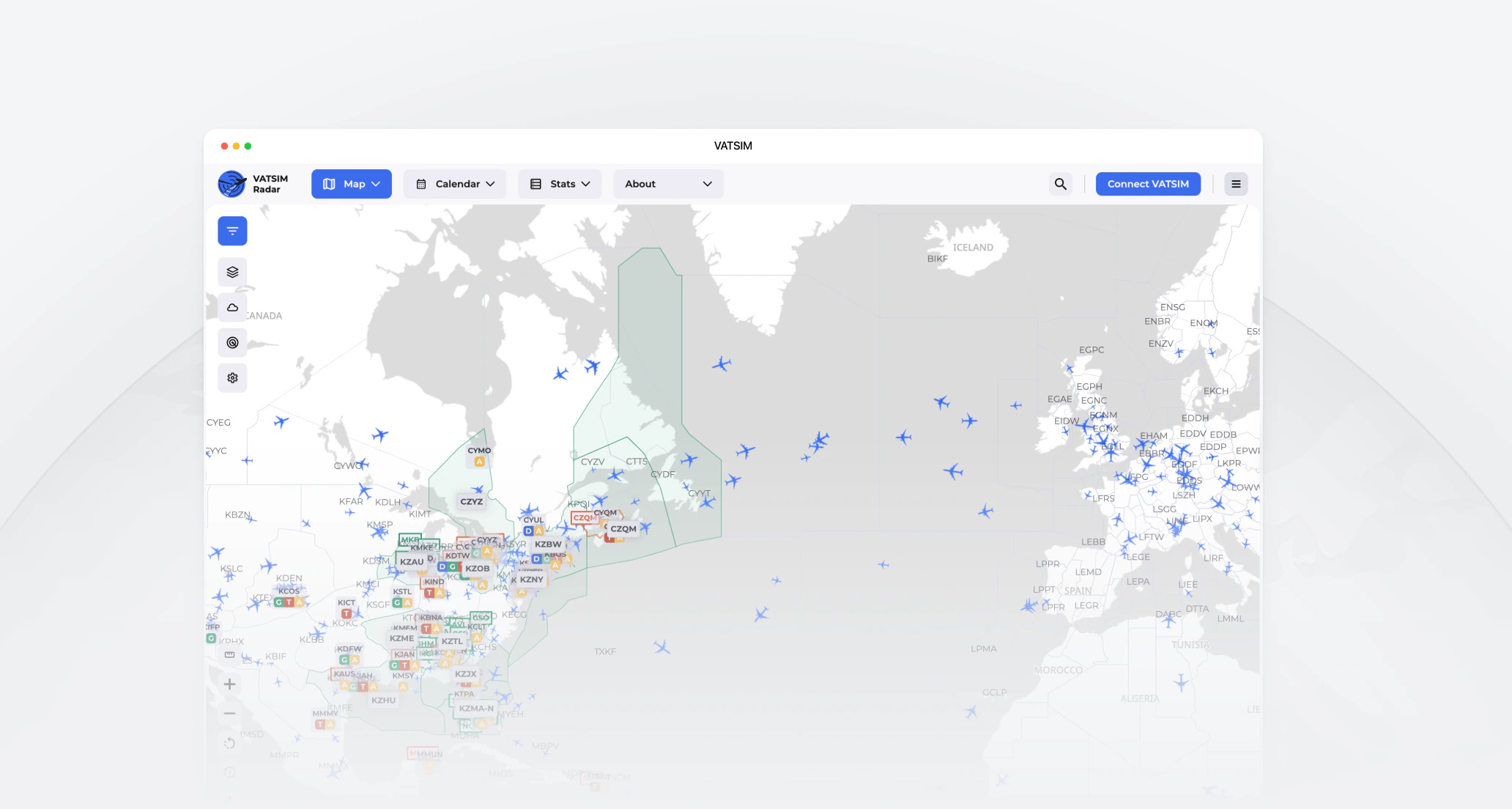
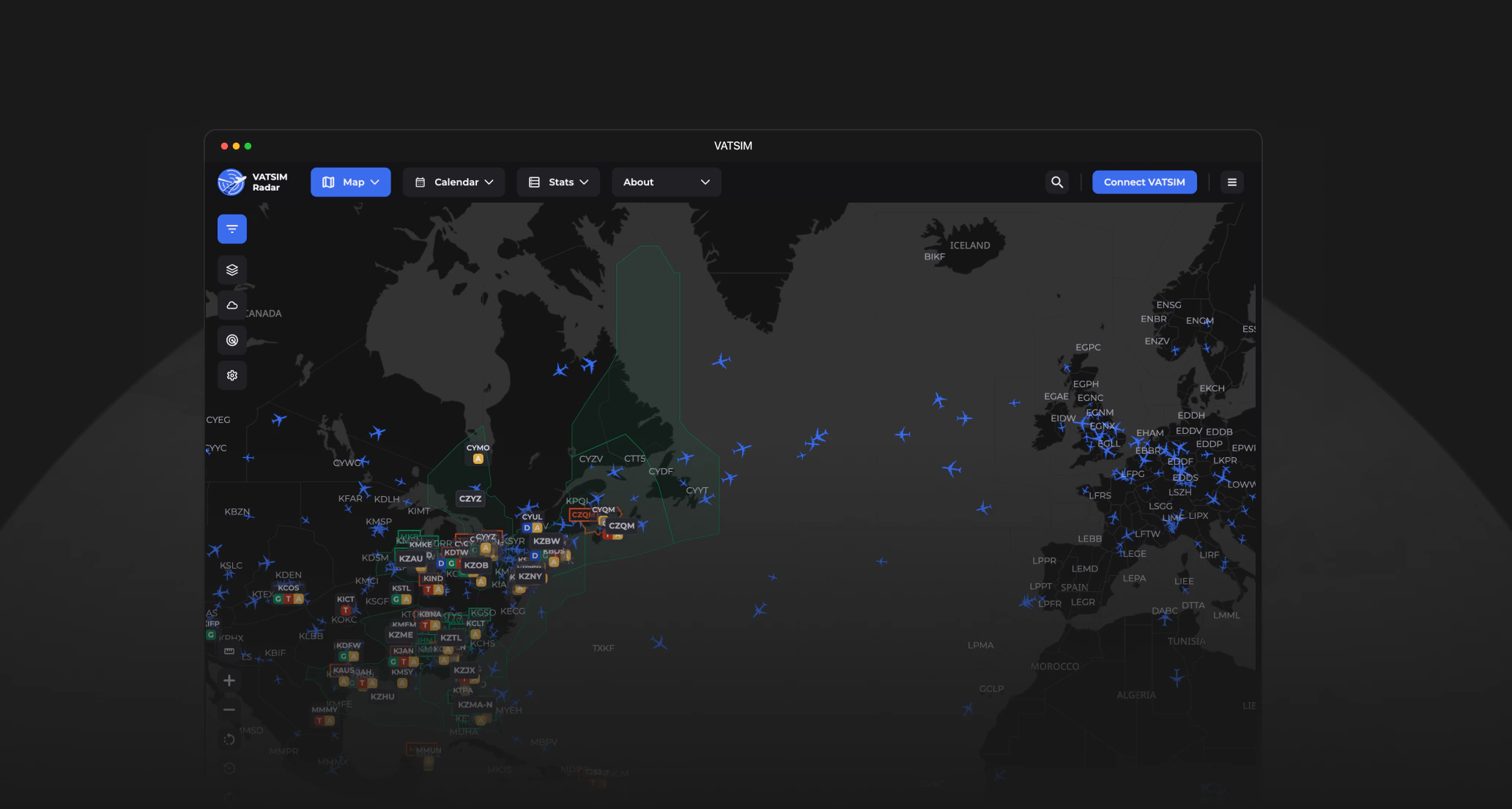 We've published a complete guide to flying on the VATSIM network. Whether you're connecting for the first time or brushing up on oceanic procedures, everything you need is in one place.
#### What's Covered
* **Getting Started**: VATSIM registration, orientation, and your first connection
* **Software Setup**: Step-by-step guides for vPilot, xPilot, Swift, audio configuration, and model matching
* **Communication**: Voice basics, standard radio phraseology, and ATC interaction walkthroughs
* **Advanced Operations**: SELCAL/CPDLC, oceanic procedures, shared cockpit, and special events
* **Resources**: Charts and plates, tools and links, and troubleshooting common issues
#### Interactive Checklists
Key pages include interactive checklists so you can track your progress through setup and pre-flight steps.
**Explore the guide**: [VATSIM Guide](/vatsim)
Access vACA documentation directly from your favourite AI assistant using the Model Context Protocol (MCP). Connect in one click and get accurate, up-to-date answers about our operations." }}>
## Connect Your AI Tool
We've published a complete guide to flying on the VATSIM network. Whether you're connecting for the first time or brushing up on oceanic procedures, everything you need is in one place.
#### What's Covered
* **Getting Started**: VATSIM registration, orientation, and your first connection
* **Software Setup**: Step-by-step guides for vPilot, xPilot, Swift, audio configuration, and model matching
* **Communication**: Voice basics, standard radio phraseology, and ATC interaction walkthroughs
* **Advanced Operations**: SELCAL/CPDLC, oceanic procedures, shared cockpit, and special events
* **Resources**: Charts and plates, tools and links, and troubleshooting common issues
#### Interactive Checklists
Key pages include interactive checklists so you can track your progress through setup and pre-flight steps.
**Explore the guide**: [VATSIM Guide](/vatsim)
Access vACA documentation directly from your favourite AI assistant using the Model Context Protocol (MCP). Connect in one click and get accurate, up-to-date answers about our operations." }}>
## Connect Your AI Tool
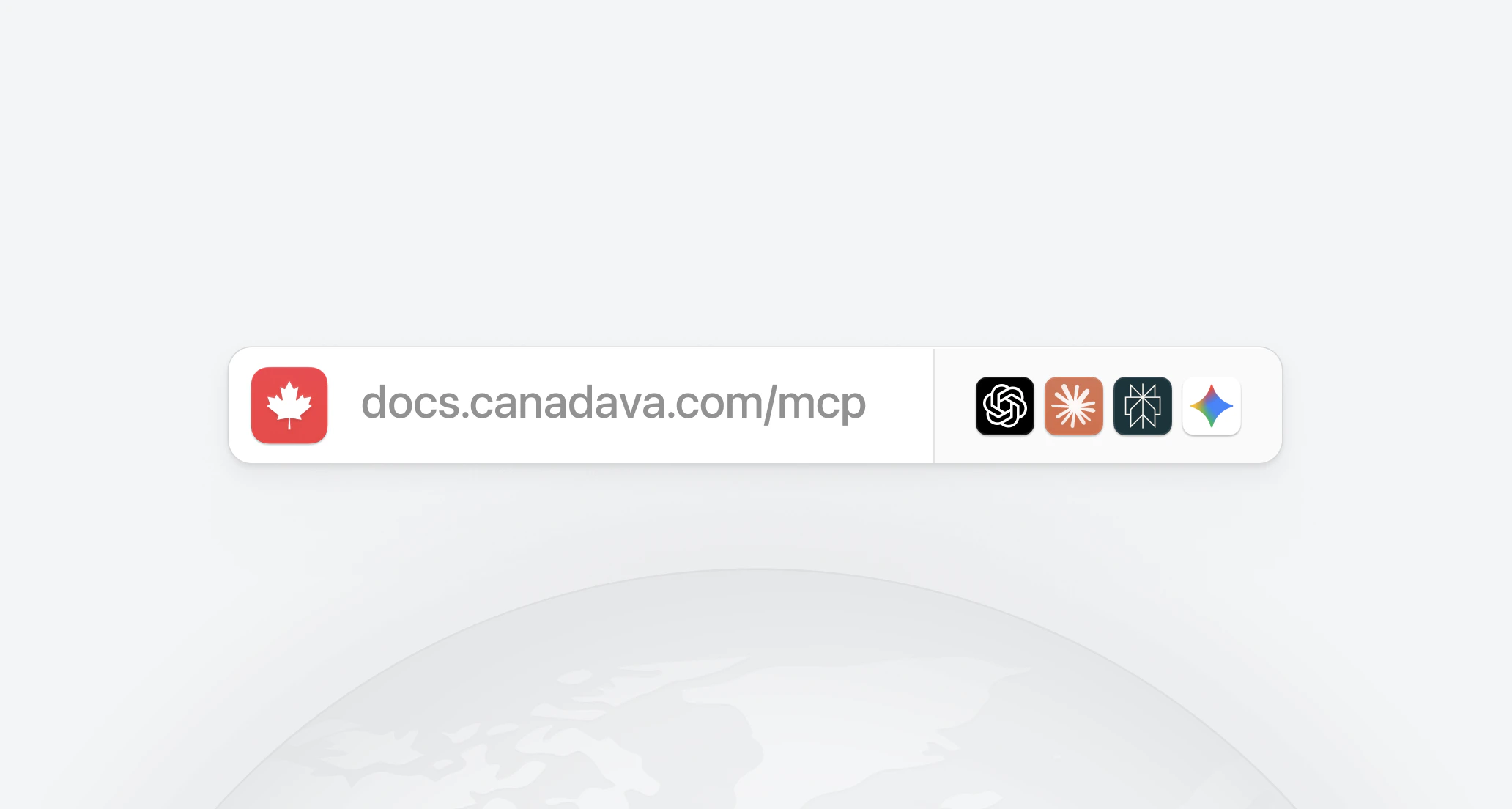
 You can now connect our knowledge base directly to your favourite AI tool using the Model Context Protocol (MCP). Instead of copy-pasting information, your AI assistant can search and read vACA documentation on its own - giving you accurate, up-to-date answers about our operations, procedures, and policies.
#### One-Click Setup
Visit [docs.canadava.com/mcp](https://docs.canadava.com/mcp) to connect the vACA knowledge base to your preferred AI tool in one click.
#### Compatible Tools
The MCP server works with any tool that supports the Model Context Protocol, including:
* **Claude** - Anthropic's AI assistant
* **ChatGPT** - OpenAI's AI assistant
* **Google Gemini** - Google's AI assistant
* **Perplexity** - AI-powered search engine
#### What You Can Do
Once connected, ask your AI tool questions like:
* "What are the activity requirements for vACA pilots?"
* "How do I submit a PIREP?"
* "What aircraft are available in the fleet?"
* "Walk me through the rank transfer process"
Your AI tool will pull the answers directly from our documentation, so the information is always current.
**Learn more**: [Connect Your AI Tool](/get-started/connect-ai)
The Airbus A321-XLR is now available in the Virtual Air Canada fleet, bringing extra-long-range narrow-body capability to our transatlantic network." }}>
## Airbus A321-XLR Now Available
You can now connect our knowledge base directly to your favourite AI tool using the Model Context Protocol (MCP). Instead of copy-pasting information, your AI assistant can search and read vACA documentation on its own - giving you accurate, up-to-date answers about our operations, procedures, and policies.
#### One-Click Setup
Visit [docs.canadava.com/mcp](https://docs.canadava.com/mcp) to connect the vACA knowledge base to your preferred AI tool in one click.
#### Compatible Tools
The MCP server works with any tool that supports the Model Context Protocol, including:
* **Claude** - Anthropic's AI assistant
* **ChatGPT** - OpenAI's AI assistant
* **Google Gemini** - Google's AI assistant
* **Perplexity** - AI-powered search engine
#### What You Can Do
Once connected, ask your AI tool questions like:
* "What are the activity requirements for vACA pilots?"
* "How do I submit a PIREP?"
* "What aircraft are available in the fleet?"
* "Walk me through the rank transfer process"
Your AI tool will pull the answers directly from our documentation, so the information is always current.
**Learn more**: [Connect Your AI Tool](/get-started/connect-ai)
The Airbus A321-XLR is now available in the Virtual Air Canada fleet, bringing extra-long-range narrow-body capability to our transatlantic network." }}>
## Airbus A321-XLR Now Available
 #### New Aircraft Addition
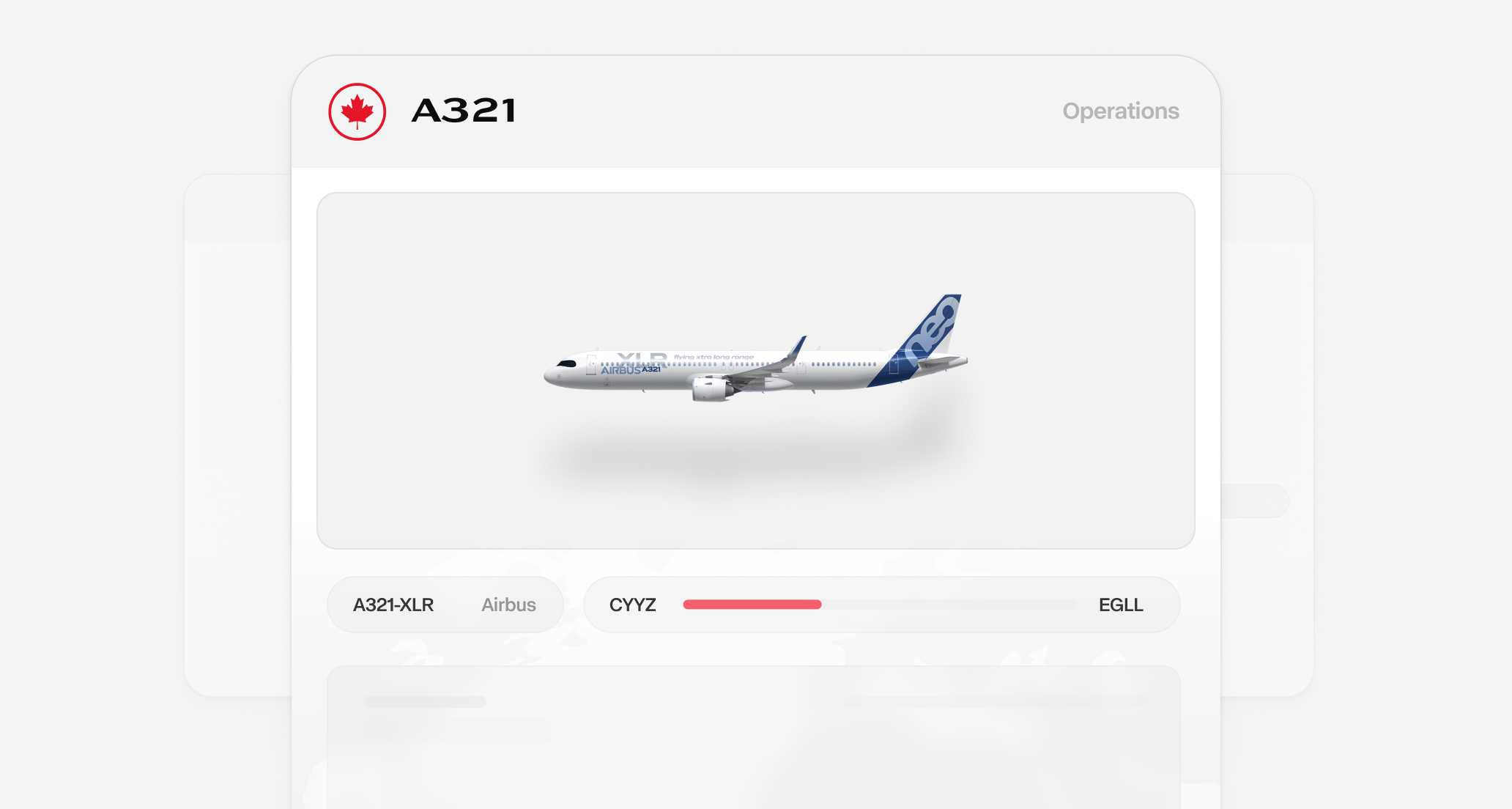
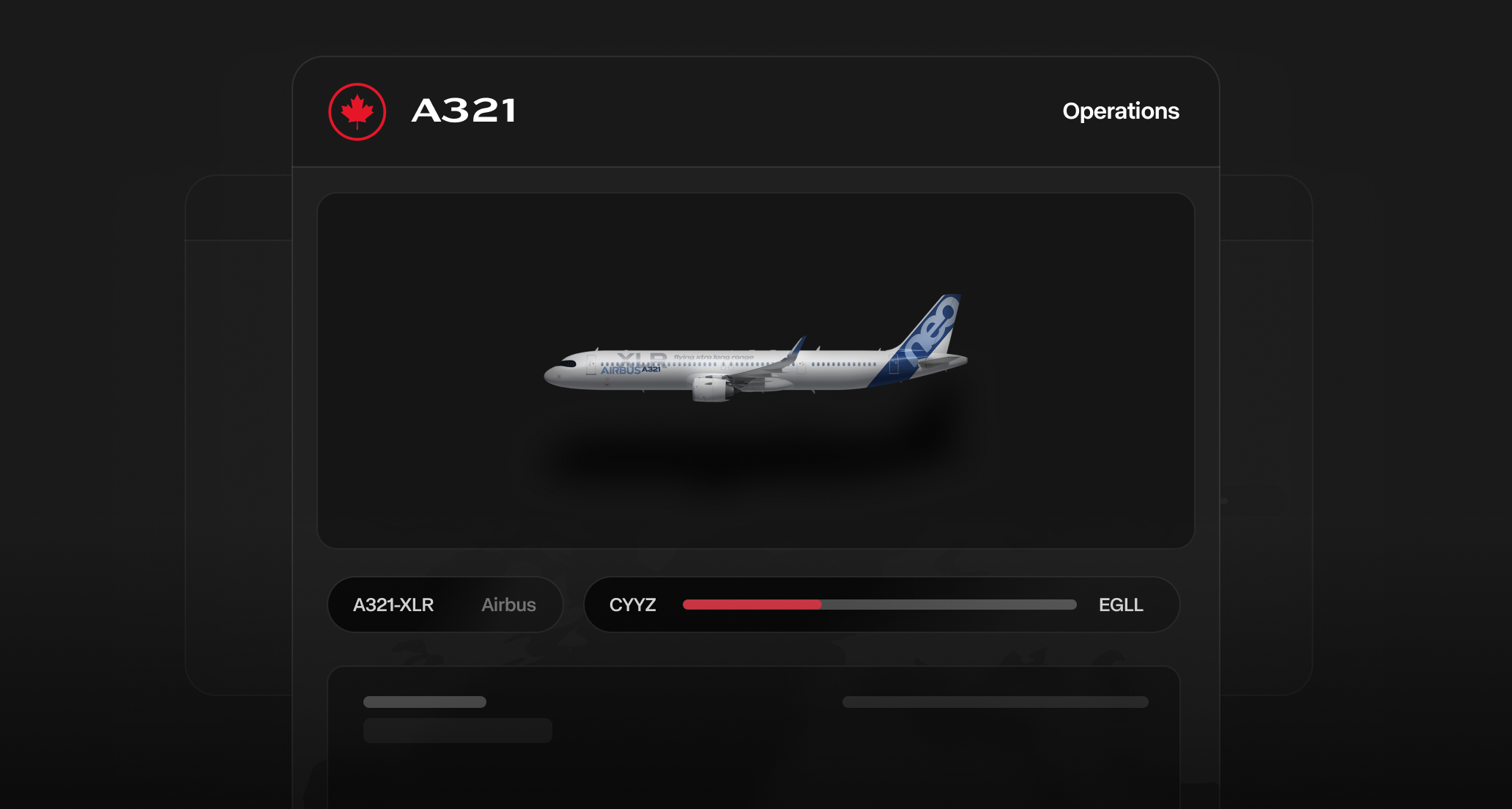
* The Airbus A321-XLR is now available in the Virtual Air Canada fleet, bringing extra-long-range narrow-body capability to our transatlantic network
* Purpose-built for "long and thin" European routes from Toronto and Montréal where widebody economics don't work
* Available for booking through the Pilot Portal with dedicated SimBrief profiles
#### Aircraft Features
* **Extra-Long Range**: 4,700 nautical mile range enables transatlantic narrow-body operations
* **Cabin Configuration**: 182 seats - 14 lie-flat business class (1-1) and 168 economy (3-3)
* **Route Compatibility**: Fly the A321-XLR on transatlantic routes to London, Copenhagen, Manchester, Toulouse, Porto, and Edinburgh
* **SimBrief Integration**: New aircraft profiles available for flight planning
#### Initial Routes
* **Toronto**: London Heathrow, Manchester, Copenhagen
* **Montréal**: Toulouse, Porto, Edinburgh
#### Important Notes
* Only Air Canada themed liveries are accepted for this aircraft
* Ensure proper fuel calculations - the A321-XLR has different fuel characteristics due to its rear centre fuel tank
* Report any booking issues through Discord or email support
**Learn more**: [Airbus A321-XLR Aircraft Guide](/aircraft/airbus-a321-xlr)
Launching Pilot ID - a unified authentication system that connects your pilot profile across all vACA platforms and tools." }}>
## Introducing Pilot ID
#### New Aircraft Addition
* The Airbus A321-XLR is now available in the Virtual Air Canada fleet, bringing extra-long-range narrow-body capability to our transatlantic network
* Purpose-built for "long and thin" European routes from Toronto and Montréal where widebody economics don't work
* Available for booking through the Pilot Portal with dedicated SimBrief profiles
#### Aircraft Features
* **Extra-Long Range**: 4,700 nautical mile range enables transatlantic narrow-body operations
* **Cabin Configuration**: 182 seats - 14 lie-flat business class (1-1) and 168 economy (3-3)
* **Route Compatibility**: Fly the A321-XLR on transatlantic routes to London, Copenhagen, Manchester, Toulouse, Porto, and Edinburgh
* **SimBrief Integration**: New aircraft profiles available for flight planning
#### Initial Routes
* **Toronto**: London Heathrow, Manchester, Copenhagen
* **Montréal**: Toulouse, Porto, Edinburgh
#### Important Notes
* Only Air Canada themed liveries are accepted for this aircraft
* Ensure proper fuel calculations - the A321-XLR has different fuel characteristics due to its rear centre fuel tank
* Report any booking issues through Discord or email support
**Learn more**: [Airbus A321-XLR Aircraft Guide](/aircraft/airbus-a321-xlr)
Launching Pilot ID - a unified authentication system that connects your pilot profile across all vACA platforms and tools." }}>
## Introducing Pilot ID

 We're launching Pilot ID - a unified authentication system that connects your pilot profile across all vACA platforms and tools. This is part of our strategic expansion of pilot portal systems beyond our existing vAMSYS partnership.
#### What is Pilot ID?
Pilot ID serves as your single identity, linking your existing vAMSYS (Pilot Portal) account with custom pilot tools and upcoming features. Your current Pilot Portal account remains fully operational for flight operations, PIREPs, and core airline management functions.
#### Upcoming features
Registration enables access to new capabilities we're developing:
* **Rewards program**: Earn and track rewards for operational excellence and participation
* **Weekly job suggestions**: Receive personalized flight assignments based on your preferences
* **AI-based dispatcher tool**: Access intelligent flight planning and dispatch assistance
* **Enhanced portal features**: Additional systems and tools currently in development
#### Timeline
* **19 DEC 2025**: Registration portal opens
* **10 JAN 2026**: Registration becomes mandatory for all new pilots
* **17 JAN 2026**: Pilots who have not completed registration may experience limited access to new portal features
All active pilots must complete registration by **10 JAN 2026**.
**Register now**: [https://links.canadava.com/pilot-id](https://links.canadava.com/pilot-id)
**Learn more**: [Pilot ID Guide](/get-started/pilot-id)
The Airbus A340-300 is now available as a fictional aircraft in the Virtual Air Canada fleet for international and extended long-haul routes." }}>
## Airbus A340-300 Now Available
We're launching Pilot ID - a unified authentication system that connects your pilot profile across all vACA platforms and tools. This is part of our strategic expansion of pilot portal systems beyond our existing vAMSYS partnership.
#### What is Pilot ID?
Pilot ID serves as your single identity, linking your existing vAMSYS (Pilot Portal) account with custom pilot tools and upcoming features. Your current Pilot Portal account remains fully operational for flight operations, PIREPs, and core airline management functions.
#### Upcoming features
Registration enables access to new capabilities we're developing:
* **Rewards program**: Earn and track rewards for operational excellence and participation
* **Weekly job suggestions**: Receive personalized flight assignments based on your preferences
* **AI-based dispatcher tool**: Access intelligent flight planning and dispatch assistance
* **Enhanced portal features**: Additional systems and tools currently in development
#### Timeline
* **19 DEC 2025**: Registration portal opens
* **10 JAN 2026**: Registration becomes mandatory for all new pilots
* **17 JAN 2026**: Pilots who have not completed registration may experience limited access to new portal features
All active pilots must complete registration by **10 JAN 2026**.
**Register now**: [https://links.canadava.com/pilot-id](https://links.canadava.com/pilot-id)
**Learn more**: [Pilot ID Guide](/get-started/pilot-id)
The Airbus A340-300 is now available as a fictional aircraft in the Virtual Air Canada fleet for international and extended long-haul routes." }}>
## Airbus A340-300 Now Available
 #### New Aircraft Addition
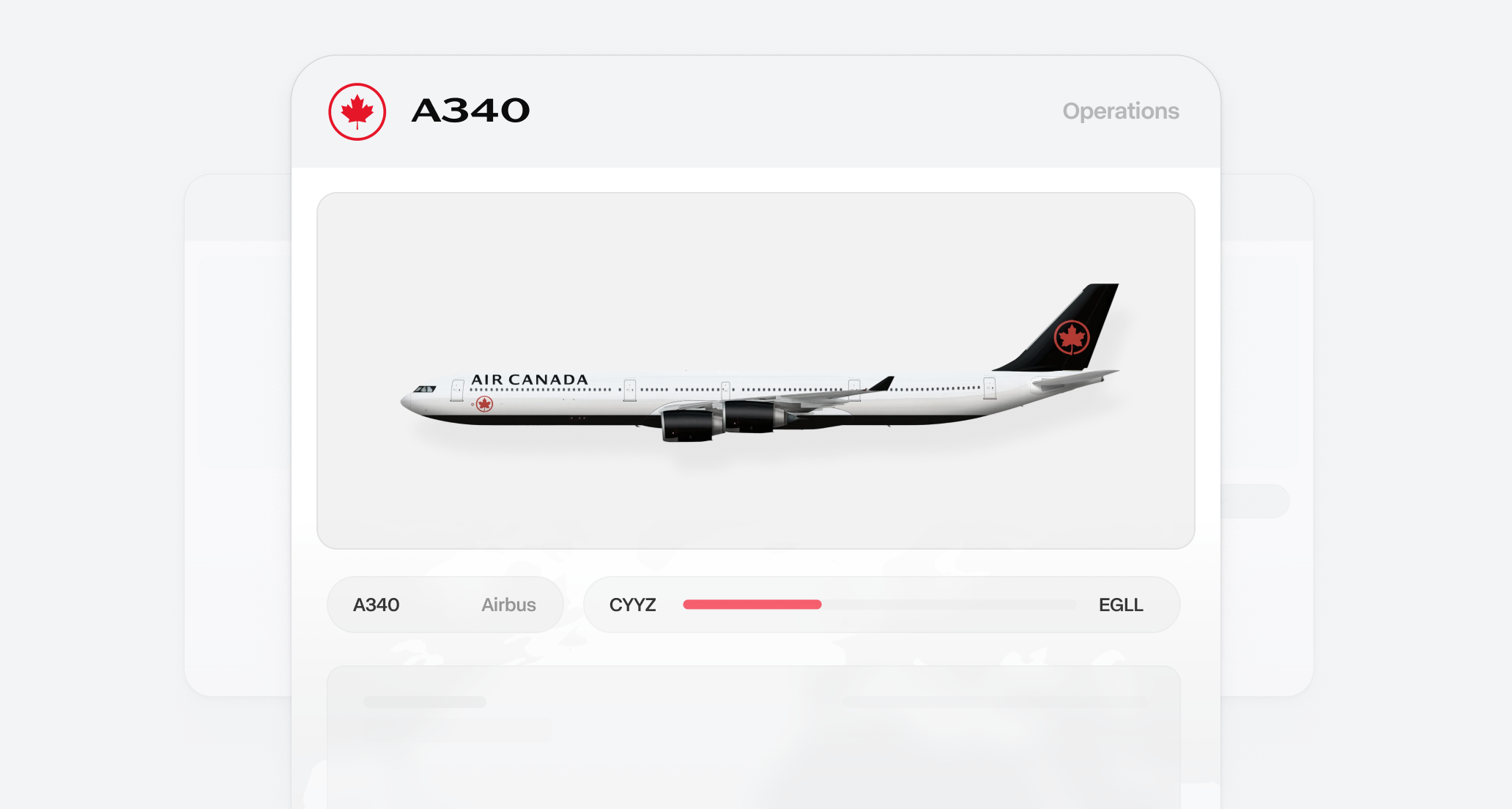
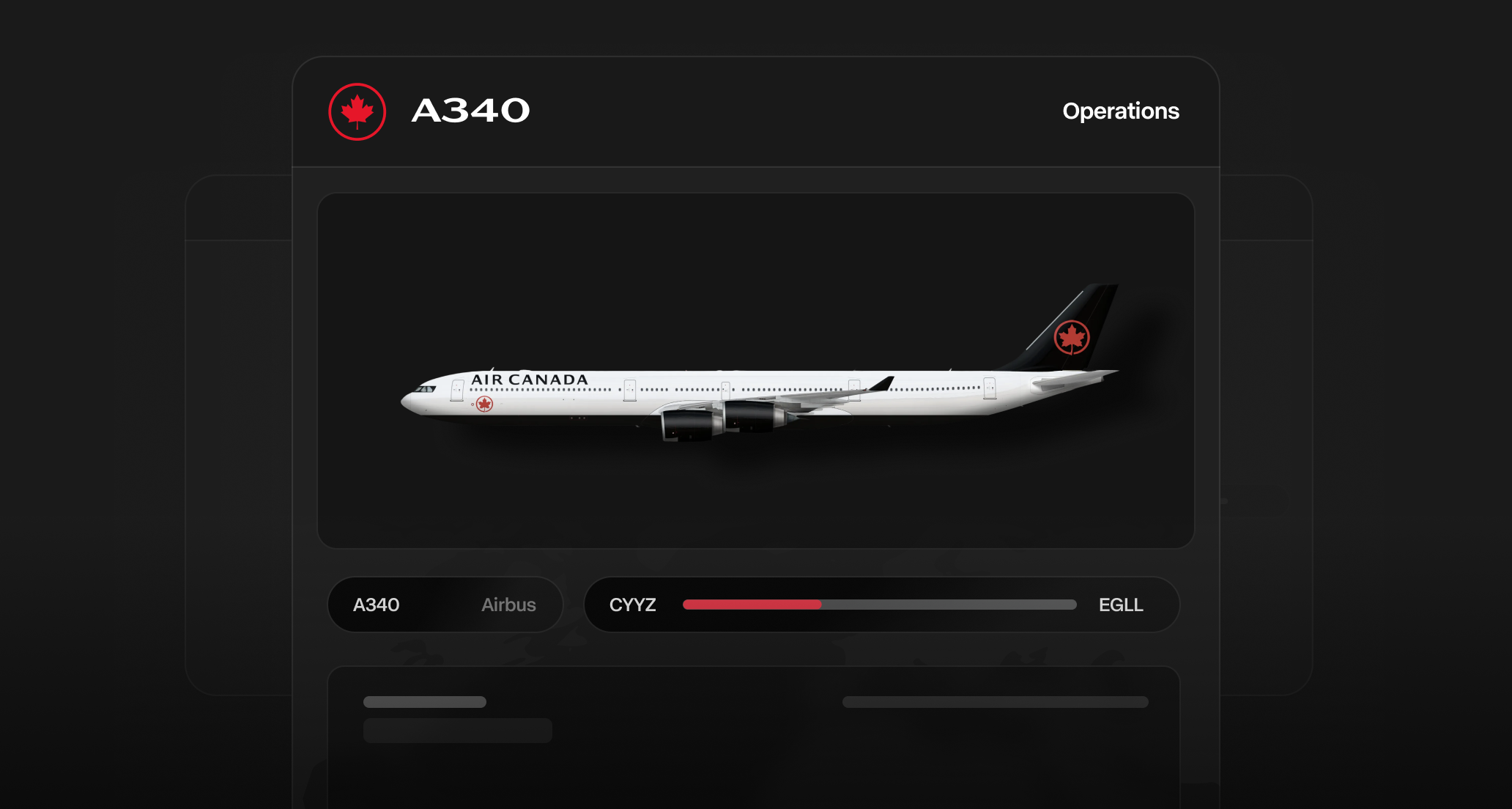
* The Airbus A340-300 is now available as a fictional aircraft in the Virtual Air Canada fleet
* Designed specifically for international and extended long-haul routes, as well as select domestic routes
* Available for booking through the Pilot Portal with dedicated SimBrief profiles
#### Aircraft Features
* **Classic Quadjet Operations**: Experience the unique four-engine widebody flying experience
* **Route Compatibility**: Fly the A340-300 on all extended long-haul international routes and select domestic heavy routes
* **SimBrief Integration**: New aircraft profiles available for flight planning
* **Fleet Options**: Additional aircraft choice for long-haul and domestic widebody operations
#### Important Notes
* This is a fictional aircraft addition and is completely optional to fly
* Only Air Canada themed liveries are accepted for this aircraft
* Ensure proper fuel calculations when operating this aircraft type
* Report any booking issues through Discord or email support
**Learn more**: [Airbus A340-300 Aircraft Guide](/aircraft/airbus-a340-300)
Completed overhaul of our Routes Engine with over 1,300 routes replaced and updated, plus automatic route publishing to the Pilot Portal." }}>
## Routes 2.0
#### New Aircraft Addition
* The Airbus A340-300 is now available as a fictional aircraft in the Virtual Air Canada fleet
* Designed specifically for international and extended long-haul routes, as well as select domestic routes
* Available for booking through the Pilot Portal with dedicated SimBrief profiles
#### Aircraft Features
* **Classic Quadjet Operations**: Experience the unique four-engine widebody flying experience
* **Route Compatibility**: Fly the A340-300 on all extended long-haul international routes and select domestic heavy routes
* **SimBrief Integration**: New aircraft profiles available for flight planning
* **Fleet Options**: Additional aircraft choice for long-haul and domestic widebody operations
#### Important Notes
* This is a fictional aircraft addition and is completely optional to fly
* Only Air Canada themed liveries are accepted for this aircraft
* Ensure proper fuel calculations when operating this aircraft type
* Report any booking issues through Discord or email support
**Learn more**: [Airbus A340-300 Aircraft Guide](/aircraft/airbus-a340-300)
Completed overhaul of our Routes Engine with over 1,300 routes replaced and updated, plus automatic route publishing to the Pilot Portal." }}>
## Routes 2.0
 Hi everyone! We're excited to share that we've completed a long-awaited overhaul of our Routes Engine and shipped all the latest routes to the Pilot Portal.
Routes Engine is custom-made airline backend software that fetches and enriches route data from multiple providers like FlightRadar 24 and FlightAware. It's over 70,000 lines of code running on Next.js, Supabase, and Cloudflare Workers. This update allows us to push route changes to the Pilot Portal automatically and more frequently than ever.
#### Changelog
* **New**: The Remarks section now features suggested aircraft that match those flown by ACA. With our flexible fleet model, you can usually fly additional aircraft on these routes.
* **Improved**: Fleet assignment to routes is more realistic, but at the same time keeps the flexible route system.
* **Fixed**: Resolved an issue where some routes were missing the correct aircraft because fleet auto-assignment overwrote them.
* **Fixed**: Missing routes have been added, all routes should now be populated. However, FlightRadar24 and FlightAware don't always have scheduled routes available. To address this, we've imported routes from ACA's official schedules. When you search for these routes in any of these providers, it may take some time for them to appear.
* **Improved**: Over 1,300 routes were replaced and updated.
* **Sunset**: We've removed terminal and gate remarks for now, as they weren't providing reliable information.
#### What's coming next
* ~~We're looking to add the new A340-300 to the fictional fleet soon.~~ **Now Available!** [Learn more](/aircraft/airbus-a340-300)
* JZA and ROU routes update: This is coming soon as well, as we're launching the new Routes Engine for ACA first.
#### Known issues
* Some routes show duplicate flights. We're working to fix this soon.
* Suggested aircraft remark field might show the same type twice. Example A320 and 320.
#### How are fleets assigned to routes?
Learn more about our flexible fleet approach in [fleet assignments documentation](/aircraft/fleet-assignments).
ACARS 2.0 brings a redesigned interface, MSFS 2024 support, landing G-force detection, and improved FSUIPC stability." }}>
## ACARS 2.0: Major Update Available
Hi everyone! We're excited to share that we've completed a long-awaited overhaul of our Routes Engine and shipped all the latest routes to the Pilot Portal.
Routes Engine is custom-made airline backend software that fetches and enriches route data from multiple providers like FlightRadar 24 and FlightAware. It's over 70,000 lines of code running on Next.js, Supabase, and Cloudflare Workers. This update allows us to push route changes to the Pilot Portal automatically and more frequently than ever.
#### Changelog
* **New**: The Remarks section now features suggested aircraft that match those flown by ACA. With our flexible fleet model, you can usually fly additional aircraft on these routes.
* **Improved**: Fleet assignment to routes is more realistic, but at the same time keeps the flexible route system.
* **Fixed**: Resolved an issue where some routes were missing the correct aircraft because fleet auto-assignment overwrote them.
* **Fixed**: Missing routes have been added, all routes should now be populated. However, FlightRadar24 and FlightAware don't always have scheduled routes available. To address this, we've imported routes from ACA's official schedules. When you search for these routes in any of these providers, it may take some time for them to appear.
* **Improved**: Over 1,300 routes were replaced and updated.
* **Sunset**: We've removed terminal and gate remarks for now, as they weren't providing reliable information.
#### What's coming next
* ~~We're looking to add the new A340-300 to the fictional fleet soon.~~ **Now Available!** [Learn more](/aircraft/airbus-a340-300)
* JZA and ROU routes update: This is coming soon as well, as we're launching the new Routes Engine for ACA first.
#### Known issues
* Some routes show duplicate flights. We're working to fix this soon.
* Suggested aircraft remark field might show the same type twice. Example A320 and 320.
#### How are fleets assigned to routes?
Learn more about our flexible fleet approach in [fleet assignments documentation](/aircraft/fleet-assignments).
ACARS 2.0 brings a redesigned interface, MSFS 2024 support, landing G-force detection, and improved FSUIPC stability." }}>
## ACARS 2.0: Major Update Available
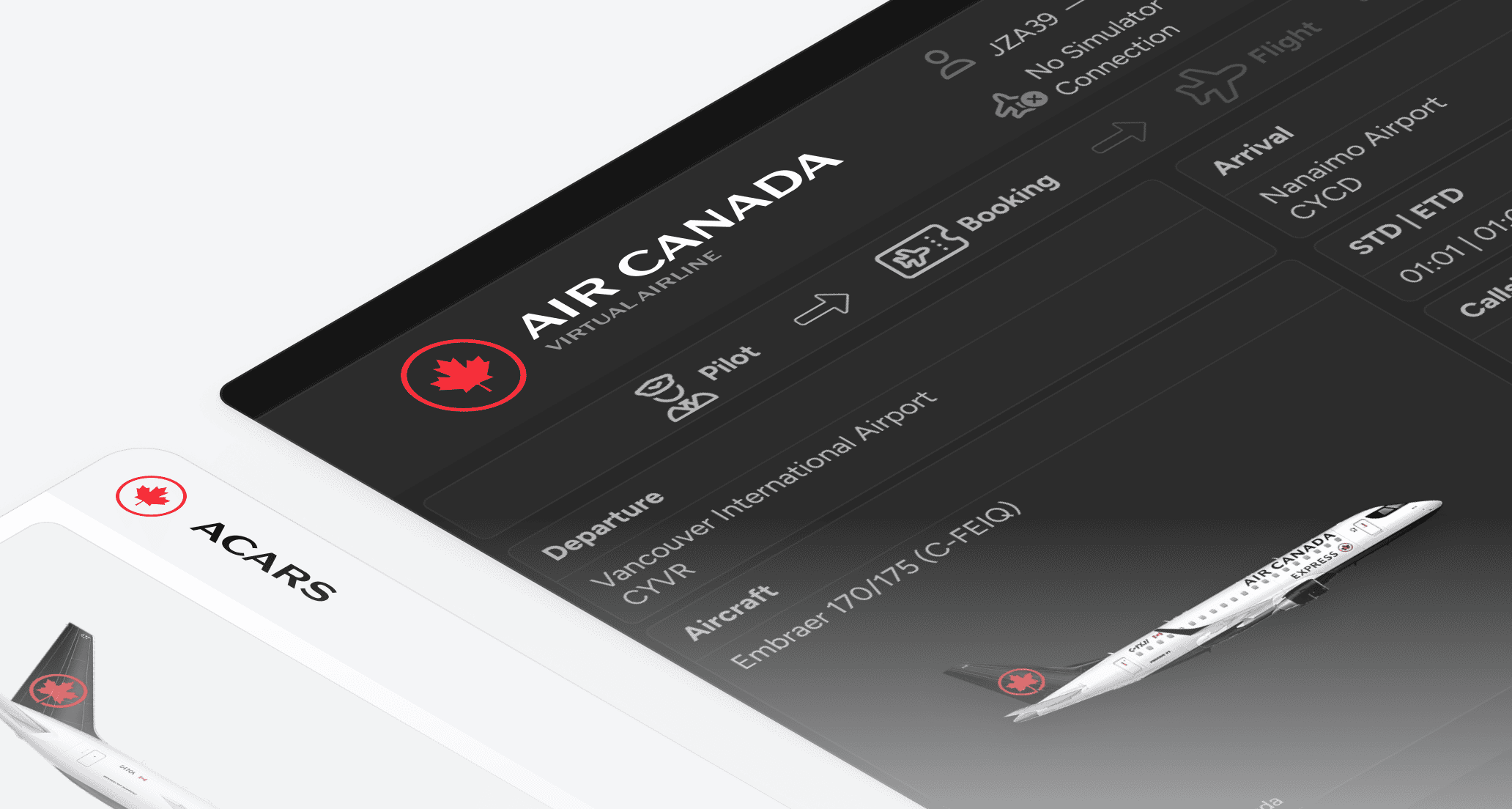
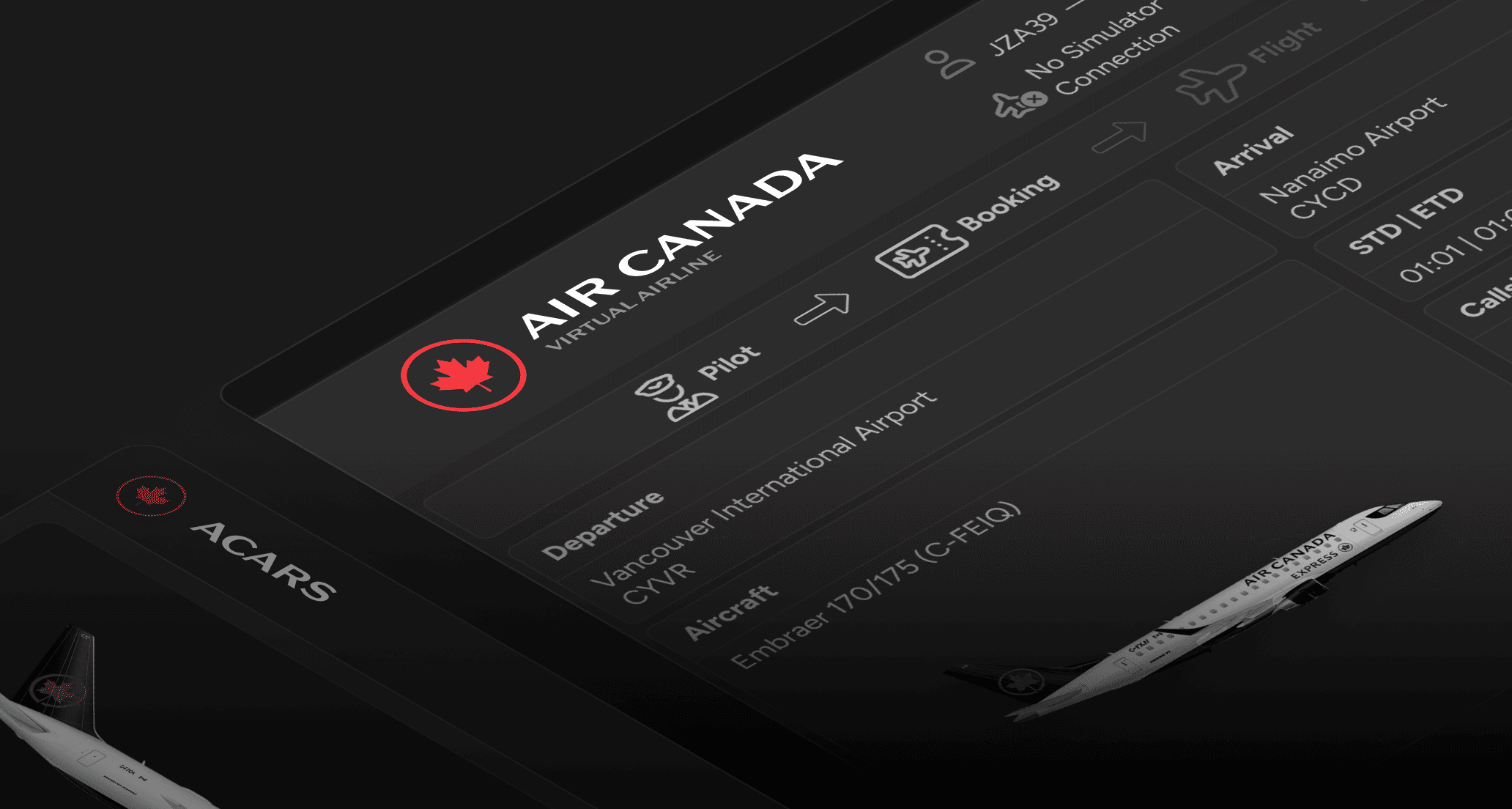 We're excited to release ACARS 2.0, a major update built on a solid new foundation that brings significant improvements and sets the stage for future enhancements.
**Update Required**: Please update your Pegasus ACARS client as soon as possible to ensure continued compatibility and access to new features. [Download now](https://canadava.com/software)
#### Key Improvements
* **Improved Layout**: Redesigned interface
* **Flap Detection**: Accurate flap value names for most aircraft (e.g., Flaps value of 2 will display as "Flaps 15")
* **Enhanced FSUIPC Stability**: Improved interface with FSUIPC for more stable and error-resistant connections
* **MSFS 2024 Support**: Full livery detection support for Microsoft Flight Simulator 2024
* **Landing Rate G-Force**: Now records and detects G-force on landing, sampled at 40Hz for precise measurements. We are going to update the points system soon to reflect this new feature.
* **Improved Landing Detection**: Better runway turnoff and taxi start detection after landing
* **Expanded Landing Summary**: More detailed landing summary messages
* **Cabin Sounds**: You can now customize cabin sounds within the ACARS client
#### ACARS v1 Sunset
ACARS v1 will be sunsetted on **October 20, 2025, at approximately 17:00 UTC**.
* After this date, it will be impossible to log in to Pegasus v1
* **All in-progress flights** being done with Pegasus v1 will be lost
* Please ensure you update to Pegasus v2 before this date to avoid any disruption to your operations
#### Windows Users
* You must install the latest compatible version of [FSUIPC](https://www.fsuipc.com/) for your simulator (free version is sufficient)
* If you use X-Plane, no additional downloads are needed - Pegasus connects via UDP
* **Important**: Pegasus, FSUIPC, and your simulator should not be run in Admin mode unless absolutely necessary
* If admin mode is required, all three components must be run as Admin (Pegasus, FSUIPC, and the simulator)
* If Pegasus cannot detect your FSUIPC, ensure FSUIPC/Simulator is not running as admin
#### macOS / Linux Users
* You must install the latest version of [.NET Runtime 9](https://dotnet.microsoft.com/en-us/download/dotnet/9.0) before running Pegasus
* Failure to install .NET Runtime will result in Pegasus not launching
* **Linux Users**: You may need to `chmod +x` the downloaded AppImage to make it executable
**Download the update**: [https://canadava.com/software](https://canadava.com/software)
The Airbus A350-900 is now available as a fictional aircraft in the Virtual Air Canada fleet for international and extended long-haul routes." }}>
## Airbus A350-900 Now Available
We're excited to release ACARS 2.0, a major update built on a solid new foundation that brings significant improvements and sets the stage for future enhancements.
**Update Required**: Please update your Pegasus ACARS client as soon as possible to ensure continued compatibility and access to new features. [Download now](https://canadava.com/software)
#### Key Improvements
* **Improved Layout**: Redesigned interface
* **Flap Detection**: Accurate flap value names for most aircraft (e.g., Flaps value of 2 will display as "Flaps 15")
* **Enhanced FSUIPC Stability**: Improved interface with FSUIPC for more stable and error-resistant connections
* **MSFS 2024 Support**: Full livery detection support for Microsoft Flight Simulator 2024
* **Landing Rate G-Force**: Now records and detects G-force on landing, sampled at 40Hz for precise measurements. We are going to update the points system soon to reflect this new feature.
* **Improved Landing Detection**: Better runway turnoff and taxi start detection after landing
* **Expanded Landing Summary**: More detailed landing summary messages
* **Cabin Sounds**: You can now customize cabin sounds within the ACARS client
#### ACARS v1 Sunset
ACARS v1 will be sunsetted on **October 20, 2025, at approximately 17:00 UTC**.
* After this date, it will be impossible to log in to Pegasus v1
* **All in-progress flights** being done with Pegasus v1 will be lost
* Please ensure you update to Pegasus v2 before this date to avoid any disruption to your operations
#### Windows Users
* You must install the latest compatible version of [FSUIPC](https://www.fsuipc.com/) for your simulator (free version is sufficient)
* If you use X-Plane, no additional downloads are needed - Pegasus connects via UDP
* **Important**: Pegasus, FSUIPC, and your simulator should not be run in Admin mode unless absolutely necessary
* If admin mode is required, all three components must be run as Admin (Pegasus, FSUIPC, and the simulator)
* If Pegasus cannot detect your FSUIPC, ensure FSUIPC/Simulator is not running as admin
#### macOS / Linux Users
* You must install the latest version of [.NET Runtime 9](https://dotnet.microsoft.com/en-us/download/dotnet/9.0) before running Pegasus
* Failure to install .NET Runtime will result in Pegasus not launching
* **Linux Users**: You may need to `chmod +x` the downloaded AppImage to make it executable
**Download the update**: [https://canadava.com/software](https://canadava.com/software)
The Airbus A350-900 is now available as a fictional aircraft in the Virtual Air Canada fleet for international and extended long-haul routes." }}>
## Airbus A350-900 Now Available
 #### New Aircraft Addition
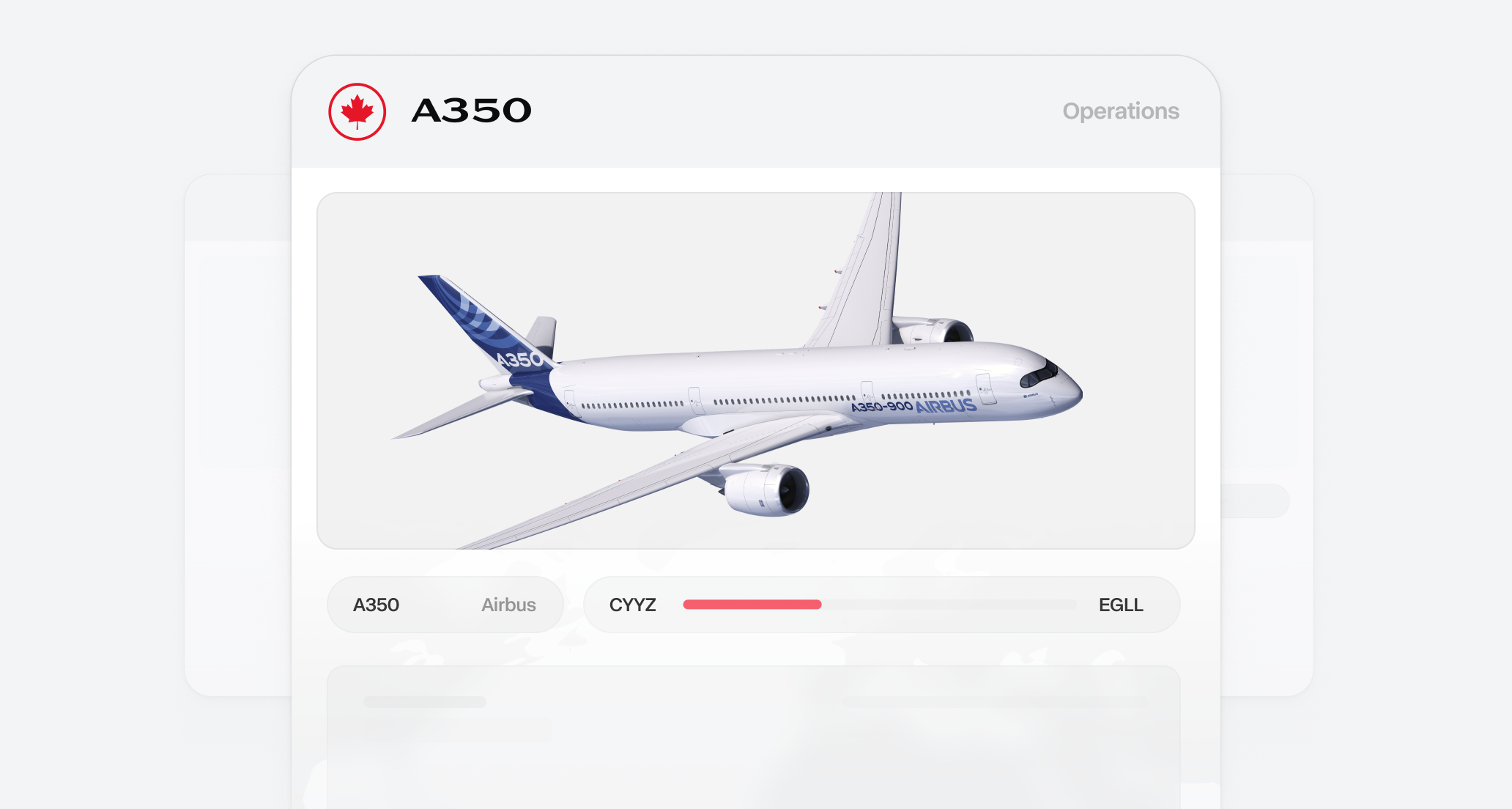
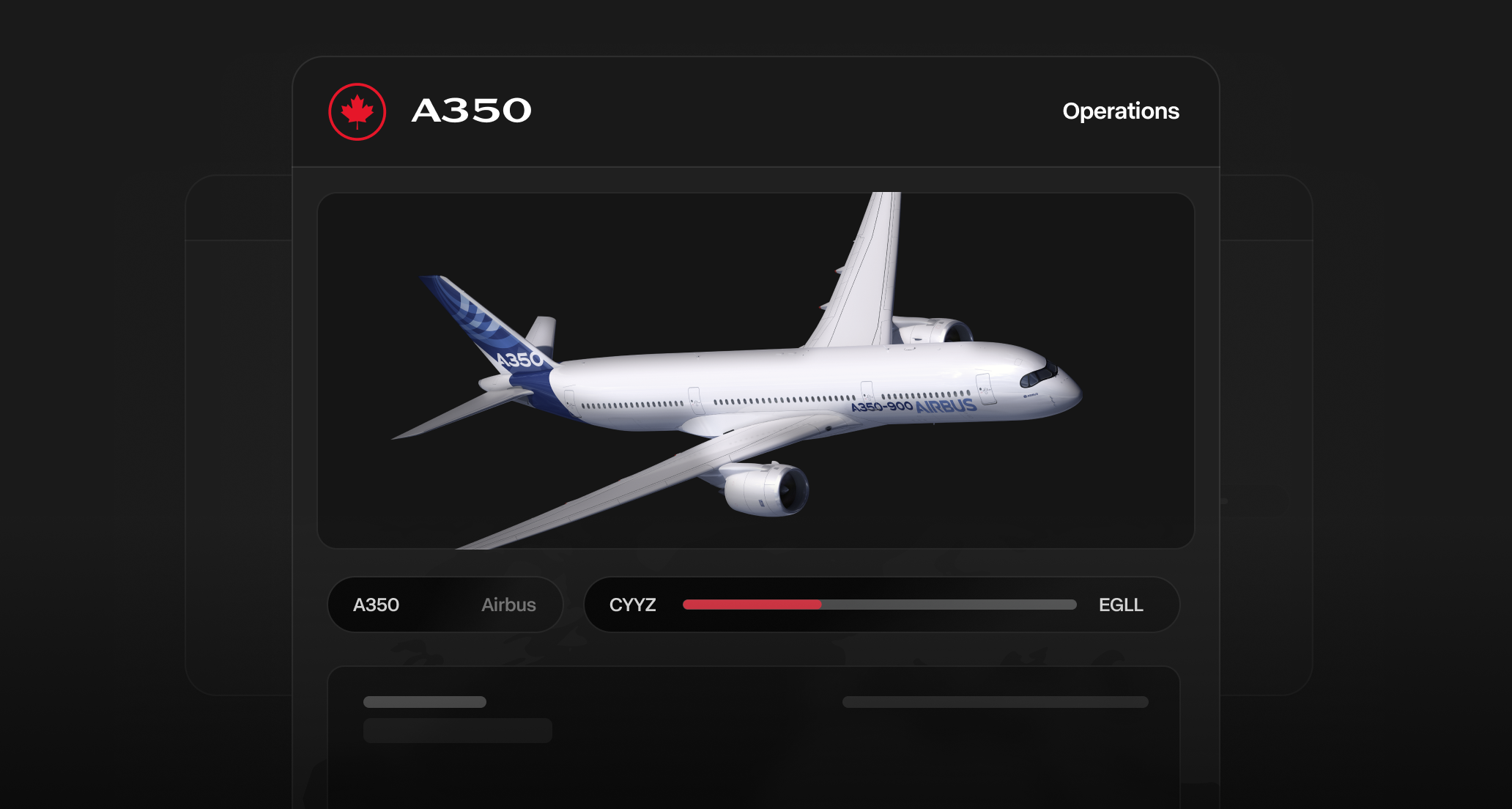
* The Airbus A350-900 is now available as a fictional aircraft in the Virtual Air Canada fleet
* Designed specifically for international and extended long-haul routes
* Available for booking through the Pilot Portal with dedicated SimBrief profiles
#### Aircraft Features
* **Route Compatibility**: Fly the A350-900 on all extended long-haul international routes
* **SimBrief Integration**: New aircraft profiles available for flight planning
* **Fleet Options**: Additional aircraft choice for long-haul operations
#### Important Notes
* This is a fictional aircraft addition and is completely optional to fly
* Only Air Canada themed liveries are accepted for this aircraft
* Ensure proper fuel calculations when operating this aircraft type
* Report any booking issues through Discord or email support
**Learn more**: [Airbus A350-900 Aircraft Guide](/aircraft/airbus-a350-900)
Cargo routes are now available for booking with Boeing 767-300 Cargo, Airbus A300 Cargo, and Boeing 777F Cargo aircraft." }}>
## Virtual Air Canada Cargo Routes
#### New Aircraft Addition
* The Airbus A350-900 is now available as a fictional aircraft in the Virtual Air Canada fleet
* Designed specifically for international and extended long-haul routes
* Available for booking through the Pilot Portal with dedicated SimBrief profiles
#### Aircraft Features
* **Route Compatibility**: Fly the A350-900 on all extended long-haul international routes
* **SimBrief Integration**: New aircraft profiles available for flight planning
* **Fleet Options**: Additional aircraft choice for long-haul operations
#### Important Notes
* This is a fictional aircraft addition and is completely optional to fly
* Only Air Canada themed liveries are accepted for this aircraft
* Ensure proper fuel calculations when operating this aircraft type
* Report any booking issues through Discord or email support
**Learn more**: [Airbus A350-900 Aircraft Guide](/aircraft/airbus-a350-900)
Cargo routes are now available for booking with Boeing 767-300 Cargo, Airbus A300 Cargo, and Boeing 777F Cargo aircraft." }}>
## Virtual Air Canada Cargo Routes
 #### New Cargo Operations Available
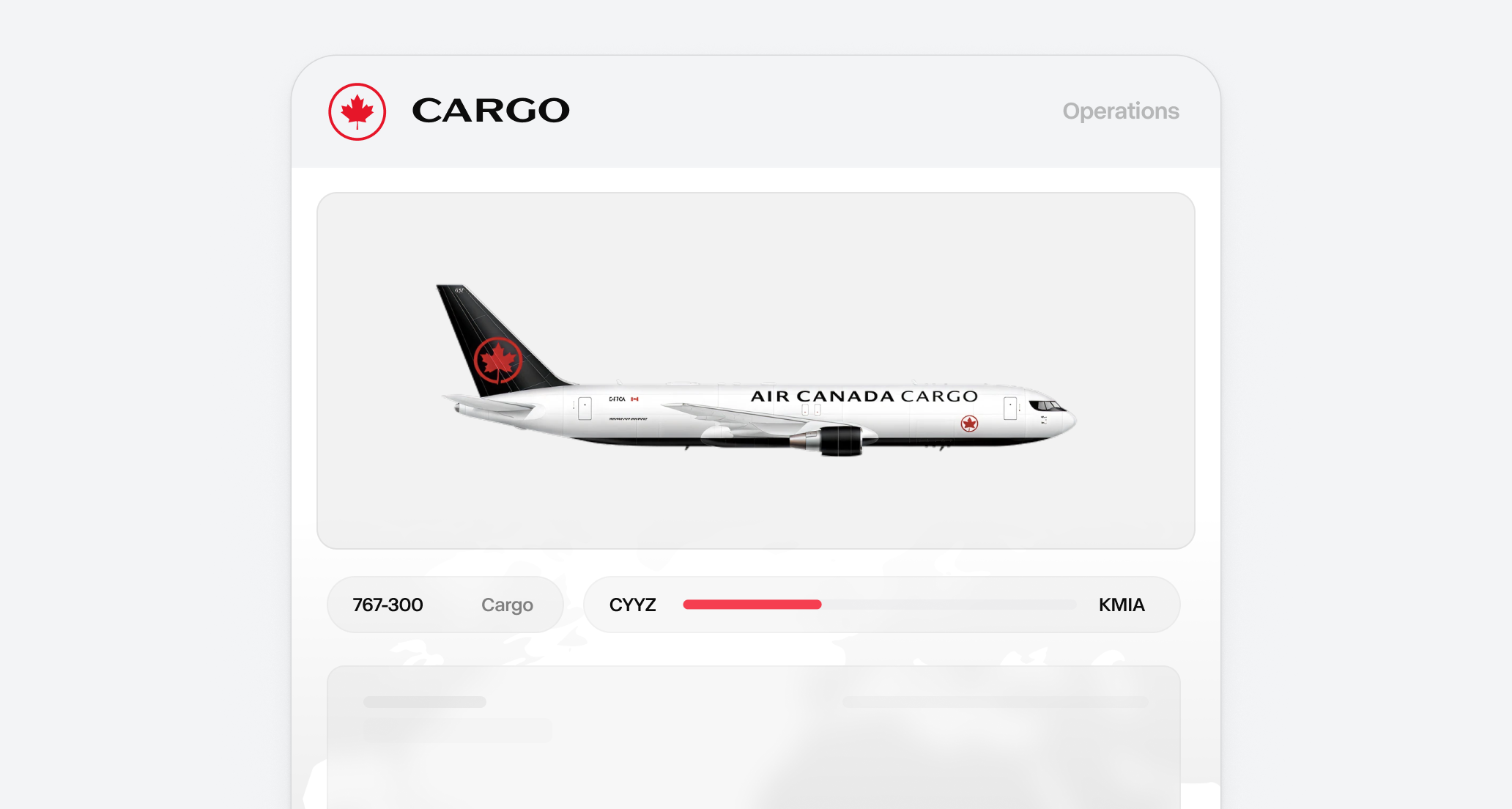
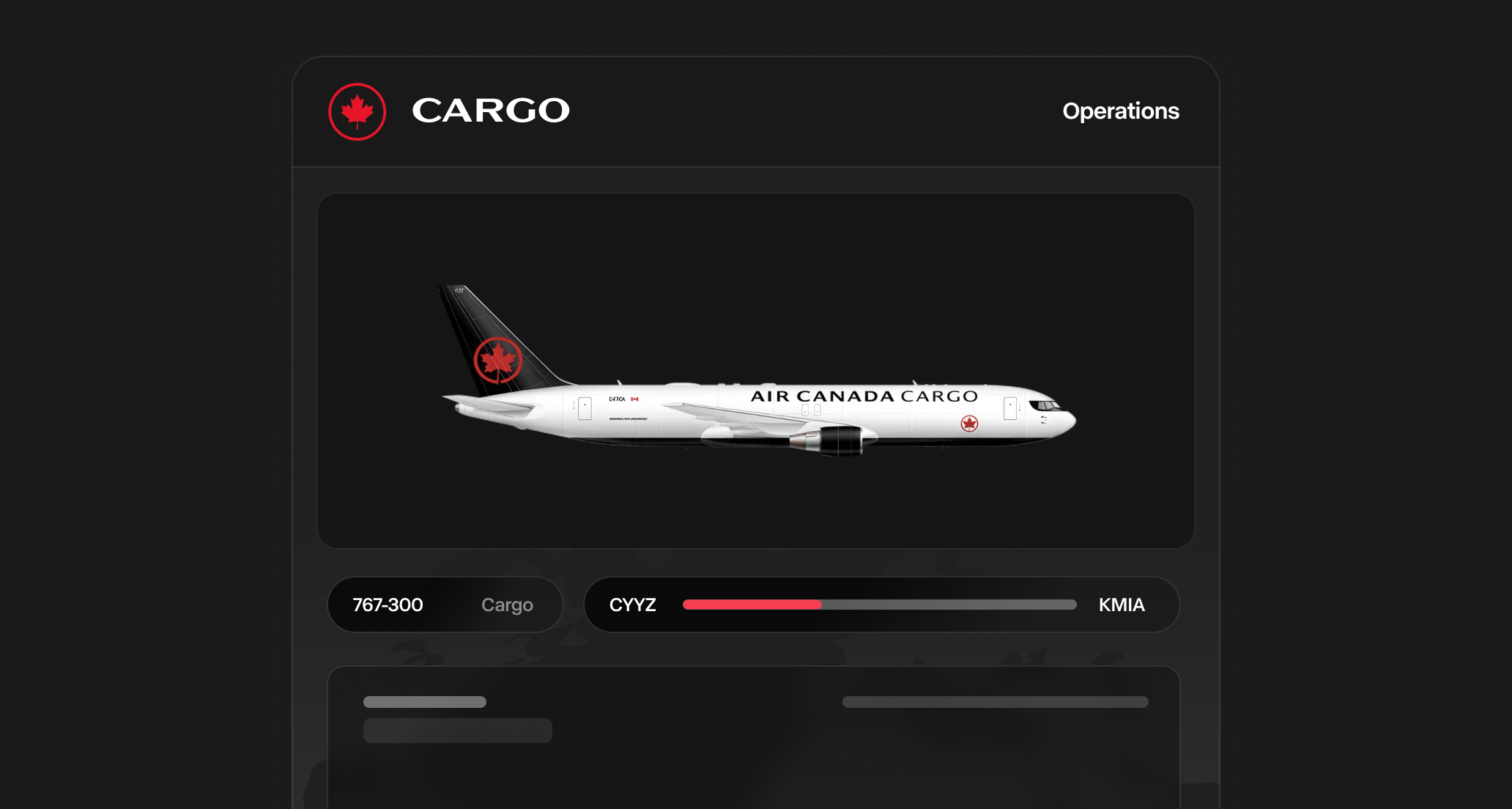
* Virtual Air Canada Cargo routes are now available for booking through the Pilot Portal
* Fly dedicated freight missions using our Boeing 767-300 Cargo fleet
* Fictional cargo additions include Airbus A300 Cargo and Boeing 777F Cargo aircraft
#### Fleet and Aircraft
* **Boeing 767-300 Cargo**: Primary aircraft based on Air Canada's actual cargo fleet
* **Airbus A300 Cargo**: Fictional addition for medium-haul cargo operations
* **Boeing 777F Cargo**: Fictional addition for long-haul cargo operations
#### Beta Status
* Cargo routes are currently in beta testing phase
* Some scheduling inconsistencies may occur as we continue system improvements
* Report any issues in our Discord server to help us enhance the cargo operations experience
**Learn more**: [Cargo Operations Guide](/operations/cargo-operations)
Minor performance improvements, optimized loading times, and automatic update checking for the Pilot Hub desktop app." }}>
## Pilot Hub App Update
#### Performance Improvements
* Minor performance updates to enhance app responsiveness and stability
* Optimized loading times for better user experience
#### Automatic Updates
* The app now regularly checks for updates automatically
* Users will be notified when new versions are available
* Ensures you always have the latest features and improvements
**Download the latest version**: [https://canadava.com/software](https://canadava.com/software)
Beta test roster schedules for bonus points and fly from the June focus airport for exclusive awards and extra points." }}>
## Events & Activities
#### New Cargo Operations Available
* Virtual Air Canada Cargo routes are now available for booking through the Pilot Portal
* Fly dedicated freight missions using our Boeing 767-300 Cargo fleet
* Fictional cargo additions include Airbus A300 Cargo and Boeing 777F Cargo aircraft
#### Fleet and Aircraft
* **Boeing 767-300 Cargo**: Primary aircraft based on Air Canada's actual cargo fleet
* **Airbus A300 Cargo**: Fictional addition for medium-haul cargo operations
* **Boeing 777F Cargo**: Fictional addition for long-haul cargo operations
#### Beta Status
* Cargo routes are currently in beta testing phase
* Some scheduling inconsistencies may occur as we continue system improvements
* Report any issues in our Discord server to help us enhance the cargo operations experience
**Learn more**: [Cargo Operations Guide](/operations/cargo-operations)
Minor performance improvements, optimized loading times, and automatic update checking for the Pilot Hub desktop app." }}>
## Pilot Hub App Update
#### Performance Improvements
* Minor performance updates to enhance app responsiveness and stability
* Optimized loading times for better user experience
#### Automatic Updates
* The app now regularly checks for updates automatically
* Users will be notified when new versions are available
* Ensures you always have the latest features and improvements
**Download the latest version**: [https://canadava.com/software](https://canadava.com/software)
Beta test roster schedules for bonus points and fly from the June focus airport for exclusive awards and extra points." }}>
## Events & Activities
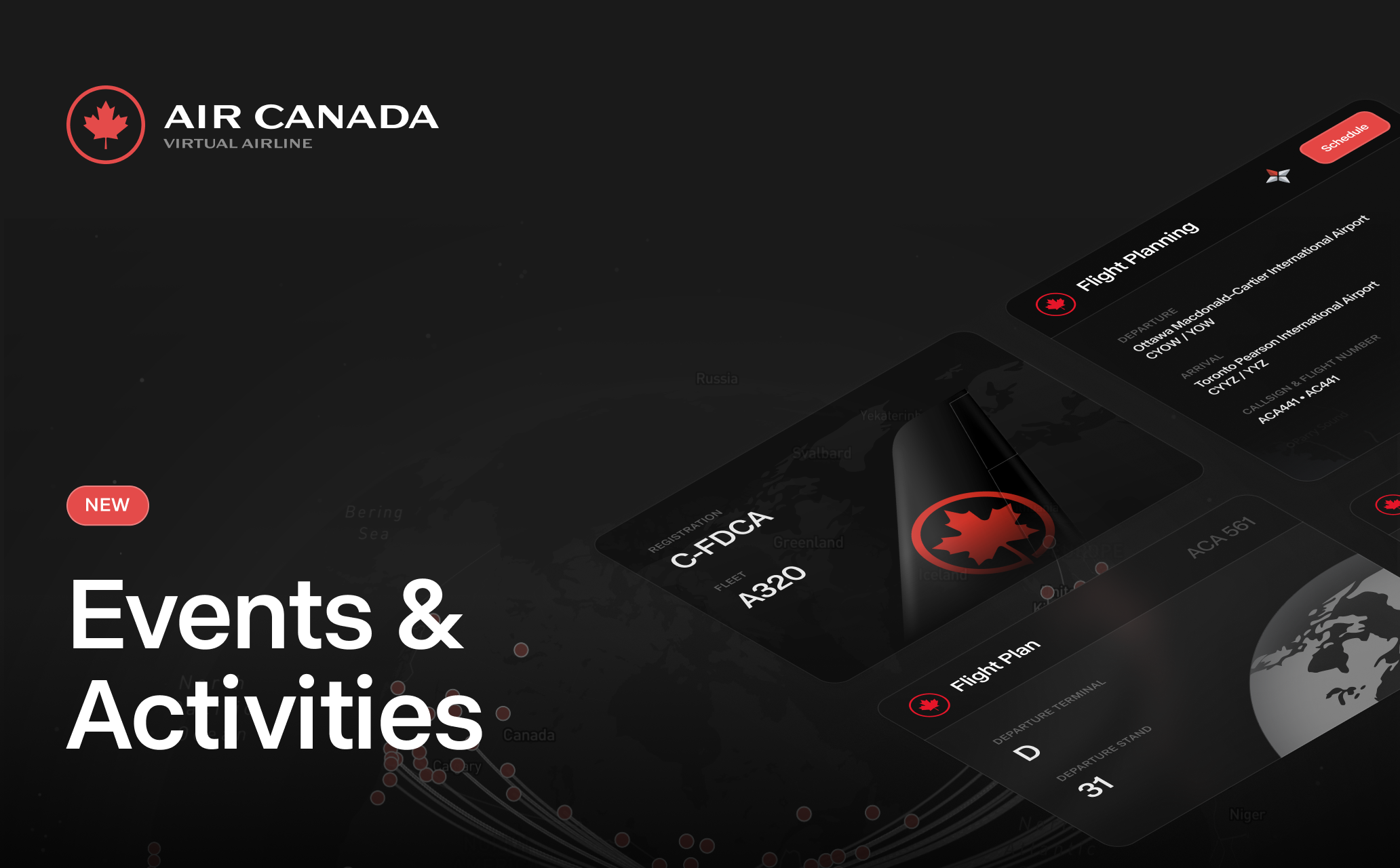 #### Beta Test: Try Out Roster Schedules and Earn Extra Points
* Test period runs through June 16
* Earn 500 bonus points for completing your roster
#### June Focus Airport: Start Flying Today
* The focus airport will be open until June 30
* Earn unique award when completing at least one flight
* Fly exclusive Jetz flights from that airport
* Earn +100 points per flight when flying to and from that airport
[See all events](https://canadava.com/events)
Improved SimBrief integration, monthly focus airports, route operation days, OFP in booking page, and performance data integration." }}>
## Pilot Portal Updates
These updates will be available starting May 29, at 13:00 UTC.
#### Beta Test: Try Out Roster Schedules and Earn Extra Points
* Test period runs through June 16
* Earn 500 bonus points for completing your roster
#### June Focus Airport: Start Flying Today
* The focus airport will be open until June 30
* Earn unique award when completing at least one flight
* Fly exclusive Jetz flights from that airport
* Earn +100 points per flight when flying to and from that airport
[See all events](https://canadava.com/events)
Improved SimBrief integration, monthly focus airports, route operation days, OFP in booking page, and performance data integration." }}>
## Pilot Portal Updates
These updates will be available starting May 29, at 13:00 UTC.
 #### New Features
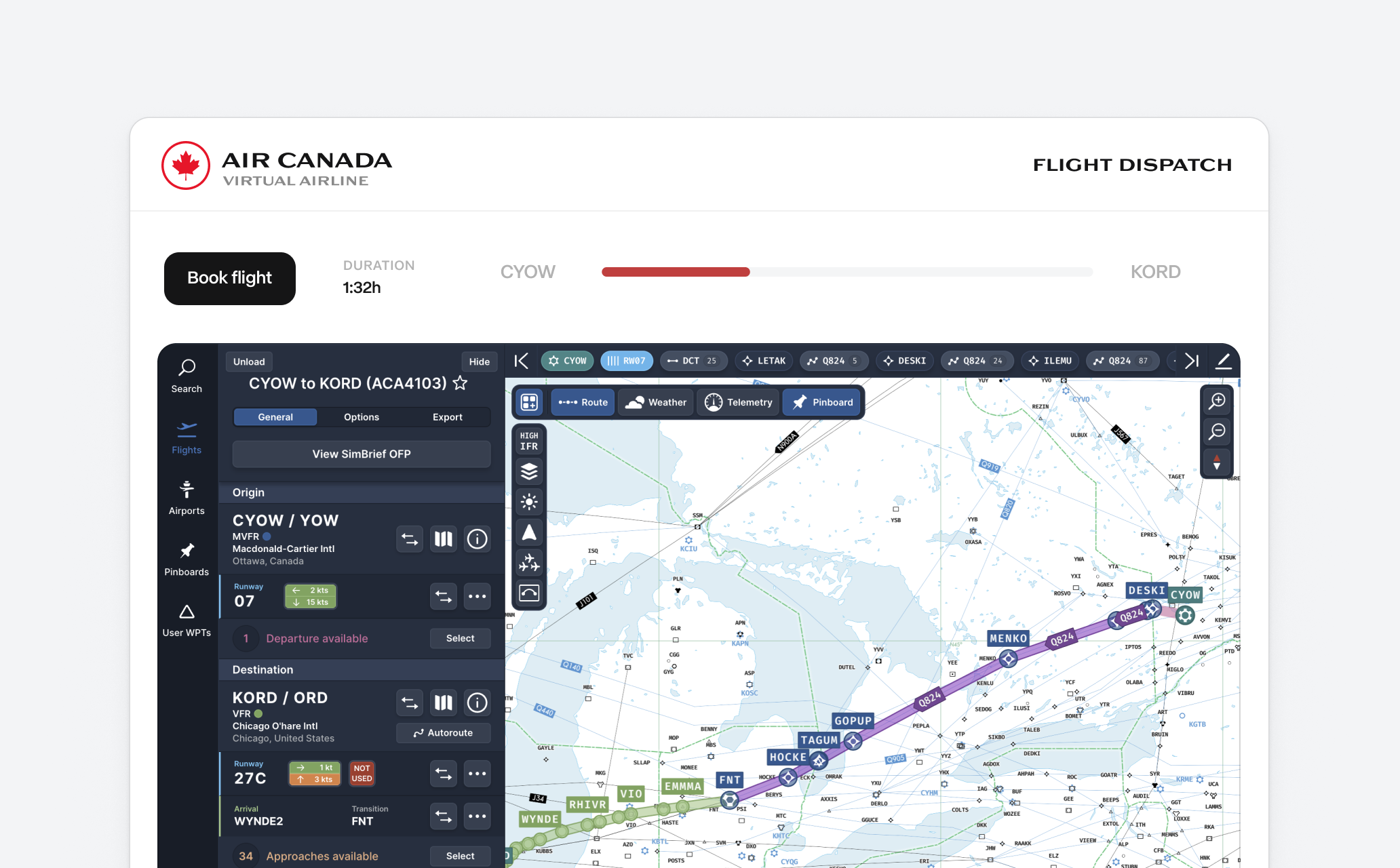
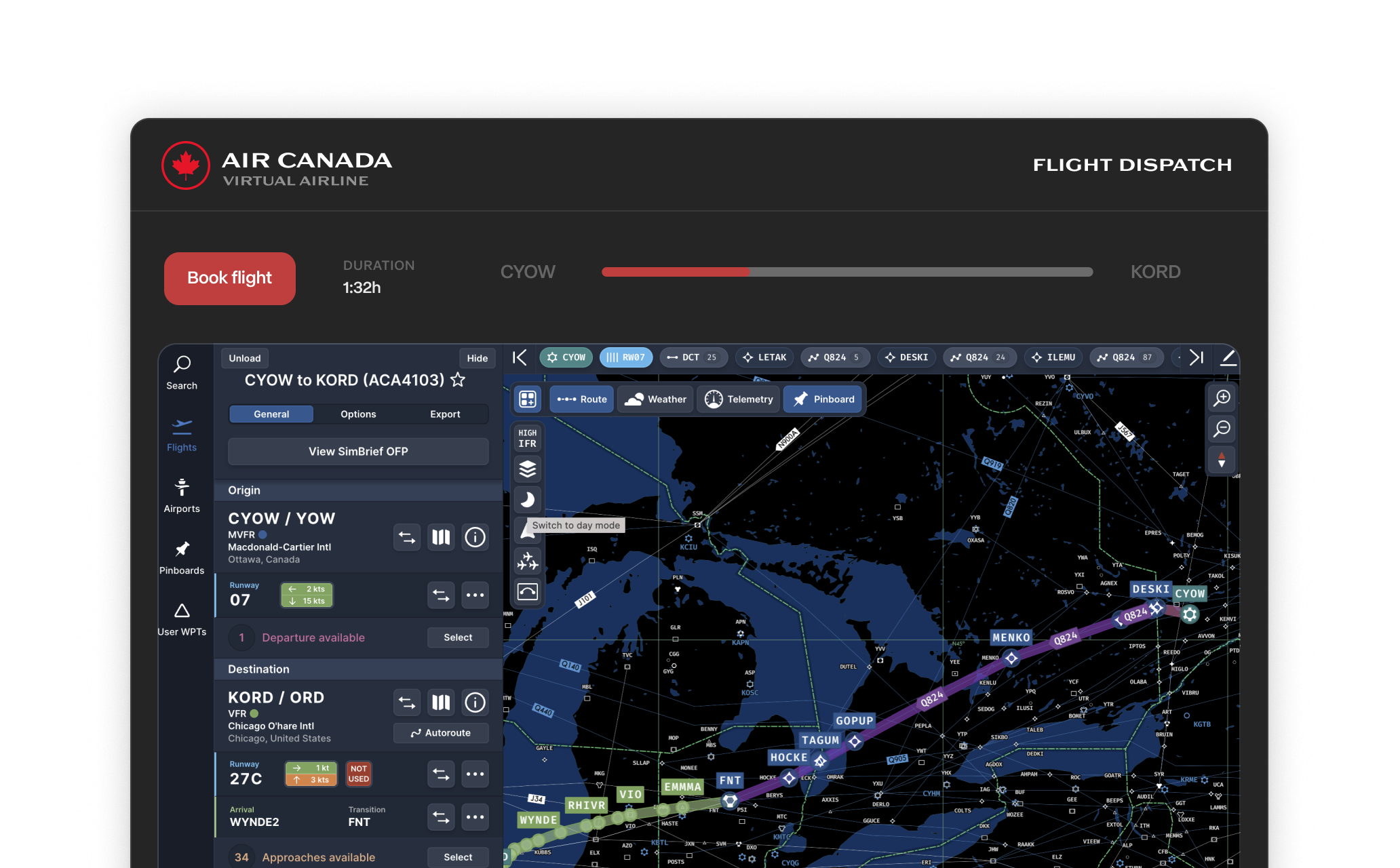
* **Improved SimBrief integration**: You can now link your SimBrief account to your vAMSYS profile and have a better flight booking experience. This is a mandatory requirement if you're booking flights via SimBrief. [View our getting-started guide](https://docs.canadava.com/essentials/simbrief-integration)
* **Monthly focus airports**: We've added focus airports that allow earning extra points and awards when flying to and from the focus airport. See this month's airport in the Pilot Portal.
* **Rosters (coming soon)**: We are looking to soon add rosters to the Pilot Portal that will provide realistic and engaging flight schedules from our main hubs. This feature is perfect if you want your entire day pre-planned by the dispatcher.
* **Route operation days**: Flights now have operating days, which you can see on the booking page. You don't need to fly these routes exactly on the specified days - you can adjust your sim start and end dates and times to match them. Since we're enriching over 900+ flights, we're still testing this feature, so some schedules might not be perfectly accurate.
* **SimBrief profiles**: You can now select your airframe profile on the booking page after setting up your SimBrief integration in Account Settings.
* **OFP in the booking page**: The booking page now includes the full OFP, allowing you to prepare for your flight without leaving the Pilot Portal.
### Performance Data Integration
You can now view detailed information about:
* Runway conditions and wind components for departure and arrival
* Performance parameters including V-speeds, flap settings, and de-rate options
* Comprehensive fuel calculations including block, trip, contingency, and reserve fuel
* Weight data including ZFW, TOW, and landing weights
* Detailed flight specifications including cruise speed, altitude, and estimated times
A look at how we craft routes, enrich flight data, and what's on the roadmap including AI-based routing and in-sim ACARS integration." }}>
## Behind the Scenes
Instead of news, we want to share how we're crafting tools and experiences to enhance your flight journey. Let's take a peek behind the scenes. Bonus: Check out what's on the roadmap for our pilots.
#### Our Workflow
* **Creating flight routes**: Our custom-built software pulls real-life flight schedules from multiple APIs into our operational database. This tool consolidates all the data and passes it to enrichment.
* **Enriching routes**: After the initial import, we use specialized tools to enhance the data with historical flight information, including altitudes, call signs, and terminals. Not all the data is available in a single source so we try to have as best historical flight data as possible.
* **Cleanup**: We run multiple data cleanup tools after importing new routes to ensure accuracy. For instance, we compare flight distances against a reference API that contains average route distances between departure and arrival airports.
* **Publishing changes**: After the data is properly processed, we upload it to our Pilot Portal. We use a custom-built comparison tool to check the new database against the existing one, filtering out potential issues that may arise from changes in both production and staging environments.
#### Future Plans
We are looking to add more publicly available tools for pilots soon. Here are some of our roadmap items:
* **Experimental - AI Routes**: We are testing an experimental and optional routing feature. Since Air Canada only flies to certain destinations, routes are currently limited to their network. However, we are developing AI-based routing that expands beyond Air Canada's realistic routes and imagines potential expansion. Pilots can filter these expanded routes in the Pilot Portal for greater variety. This will be a completely optional feature and pilots can still fly the regular routes.
* **In-sim ACARS Integration**: Integration with Fenix and FlyByWire aircraft. Currently, ACARS is limited to flight tracking and PIREP reporting. We plan to add a tool that incorporates operations information into the aircraft's ACARS and CPDLC systems. This AI-powered service will enhance the realism of offline flying.
A standalone desktop app for booking flights, viewing routes, managing your pilot profile, and accessing docs across all platforms." }}>
## Pilot Hub: A New Desktop App for Flight Booking
We're excited to announce that our updated desktop app is now available for booking flights across all platforms. It offers the same Pilot Portal experience as our web version, but as a standalone app, you can install and access it anytime. Don't worry - you can still use the browser version if you prefer.
#### Features
* Book flights
* View routes
* Manage pilot profile
* Access docs, including getting started guides and AOPs
* Keep track of NOTAMs
**Download here**: [https://canadava.com/software](https://canadava.com/software)
#### New Features
* **Improved SimBrief integration**: You can now link your SimBrief account to your vAMSYS profile and have a better flight booking experience. This is a mandatory requirement if you're booking flights via SimBrief. [View our getting-started guide](https://docs.canadava.com/essentials/simbrief-integration)
* **Monthly focus airports**: We've added focus airports that allow earning extra points and awards when flying to and from the focus airport. See this month's airport in the Pilot Portal.
* **Rosters (coming soon)**: We are looking to soon add rosters to the Pilot Portal that will provide realistic and engaging flight schedules from our main hubs. This feature is perfect if you want your entire day pre-planned by the dispatcher.
* **Route operation days**: Flights now have operating days, which you can see on the booking page. You don't need to fly these routes exactly on the specified days - you can adjust your sim start and end dates and times to match them. Since we're enriching over 900+ flights, we're still testing this feature, so some schedules might not be perfectly accurate.
* **SimBrief profiles**: You can now select your airframe profile on the booking page after setting up your SimBrief integration in Account Settings.
* **OFP in the booking page**: The booking page now includes the full OFP, allowing you to prepare for your flight without leaving the Pilot Portal.
### Performance Data Integration
You can now view detailed information about:
* Runway conditions and wind components for departure and arrival
* Performance parameters including V-speeds, flap settings, and de-rate options
* Comprehensive fuel calculations including block, trip, contingency, and reserve fuel
* Weight data including ZFW, TOW, and landing weights
* Detailed flight specifications including cruise speed, altitude, and estimated times
A look at how we craft routes, enrich flight data, and what's on the roadmap including AI-based routing and in-sim ACARS integration." }}>
## Behind the Scenes
Instead of news, we want to share how we're crafting tools and experiences to enhance your flight journey. Let's take a peek behind the scenes. Bonus: Check out what's on the roadmap for our pilots.
#### Our Workflow
* **Creating flight routes**: Our custom-built software pulls real-life flight schedules from multiple APIs into our operational database. This tool consolidates all the data and passes it to enrichment.
* **Enriching routes**: After the initial import, we use specialized tools to enhance the data with historical flight information, including altitudes, call signs, and terminals. Not all the data is available in a single source so we try to have as best historical flight data as possible.
* **Cleanup**: We run multiple data cleanup tools after importing new routes to ensure accuracy. For instance, we compare flight distances against a reference API that contains average route distances between departure and arrival airports.
* **Publishing changes**: After the data is properly processed, we upload it to our Pilot Portal. We use a custom-built comparison tool to check the new database against the existing one, filtering out potential issues that may arise from changes in both production and staging environments.
#### Future Plans
We are looking to add more publicly available tools for pilots soon. Here are some of our roadmap items:
* **Experimental - AI Routes**: We are testing an experimental and optional routing feature. Since Air Canada only flies to certain destinations, routes are currently limited to their network. However, we are developing AI-based routing that expands beyond Air Canada's realistic routes and imagines potential expansion. Pilots can filter these expanded routes in the Pilot Portal for greater variety. This will be a completely optional feature and pilots can still fly the regular routes.
* **In-sim ACARS Integration**: Integration with Fenix and FlyByWire aircraft. Currently, ACARS is limited to flight tracking and PIREP reporting. We plan to add a tool that incorporates operations information into the aircraft's ACARS and CPDLC systems. This AI-powered service will enhance the realism of offline flying.
A standalone desktop app for booking flights, viewing routes, managing your pilot profile, and accessing docs across all platforms." }}>
## Pilot Hub: A New Desktop App for Flight Booking
We're excited to announce that our updated desktop app is now available for booking flights across all platforms. It offers the same Pilot Portal experience as our web version, but as a standalone app, you can install and access it anytime. Don't worry - you can still use the browser version if you prefer.
#### Features
* Book flights
* View routes
* Manage pilot profile
* Access docs, including getting started guides and AOPs
* Keep track of NOTAMs
**Download here**: [https://canadava.com/software](https://canadava.com/software)