> ## Documentation Index
> Fetch the complete documentation index at: https://docs.canadava.com/llms.txt
> Use this file to discover all available pages before exploring further.
# New Pilot Quickstart
> Set up your vACA pilot account, install required software, link SimBrief, and book your first flight in under 15 minutes
export const Checklist = ({title, items, icon}) => {
const [checked, setChecked] = useState(Object.fromEntries(items.map((_, i) => [i, false])));
const toggle = i => setChecked(prev => ({
...prev,
[i]: !prev[i]
}));
const done = Object.values(checked).filter(Boolean).length;
return
{icon && {icon}}
{title}
{done}/{items.length}
{items.map((item, i) => )}
;
};
## Welcome to Virtual Air Canada Airline
This guide will help you get up and running as a new pilot for Virtual Air Canada Airline (vACA). Follow these steps to start your virtual aviation career with us.
### Quick Setup Steps
The first step is to register your pilot account on our platform.
1. Visit the [Virtual Air Canada Airline registration page](https://app.neoairline.io/portal/aca-cee46b174bfe)
2. Fill out the registration form with your details
3. Choose your preferred pilot callsign and ID
4. Verify your email address to activate your account
To fly with Virtual Air Canada Airline, you'll need the following software:
#### Required Software
* **Pegasus ACARS** - For flight tracking and reporting
* **Compatible Flight Simulator** - X-Plane, Microsoft Flight Simulator, or Prepar3D
Visit our [downloads page](https://canadava.com/software) for direct links and installation instructions.
SimBrief is an essential flight planning tool that creates professional OFPs. Linking your account enables automatic flight planning.
1. Log in to the Pilot Portal
2. Access your account settings via the User Dropdown
3. Go to "Social, Online & 3rd Party" section
4. Connect your Navigraph account
SimBrief requires a free Navigraph account. OFPs are generated automatically when you book flights.
For detailed instructions, see our [SimBrief Integration Guide](/essentials/simbrief-integration).
Once your account is created and software is installed:
1. Log in to the Pilot Hub application
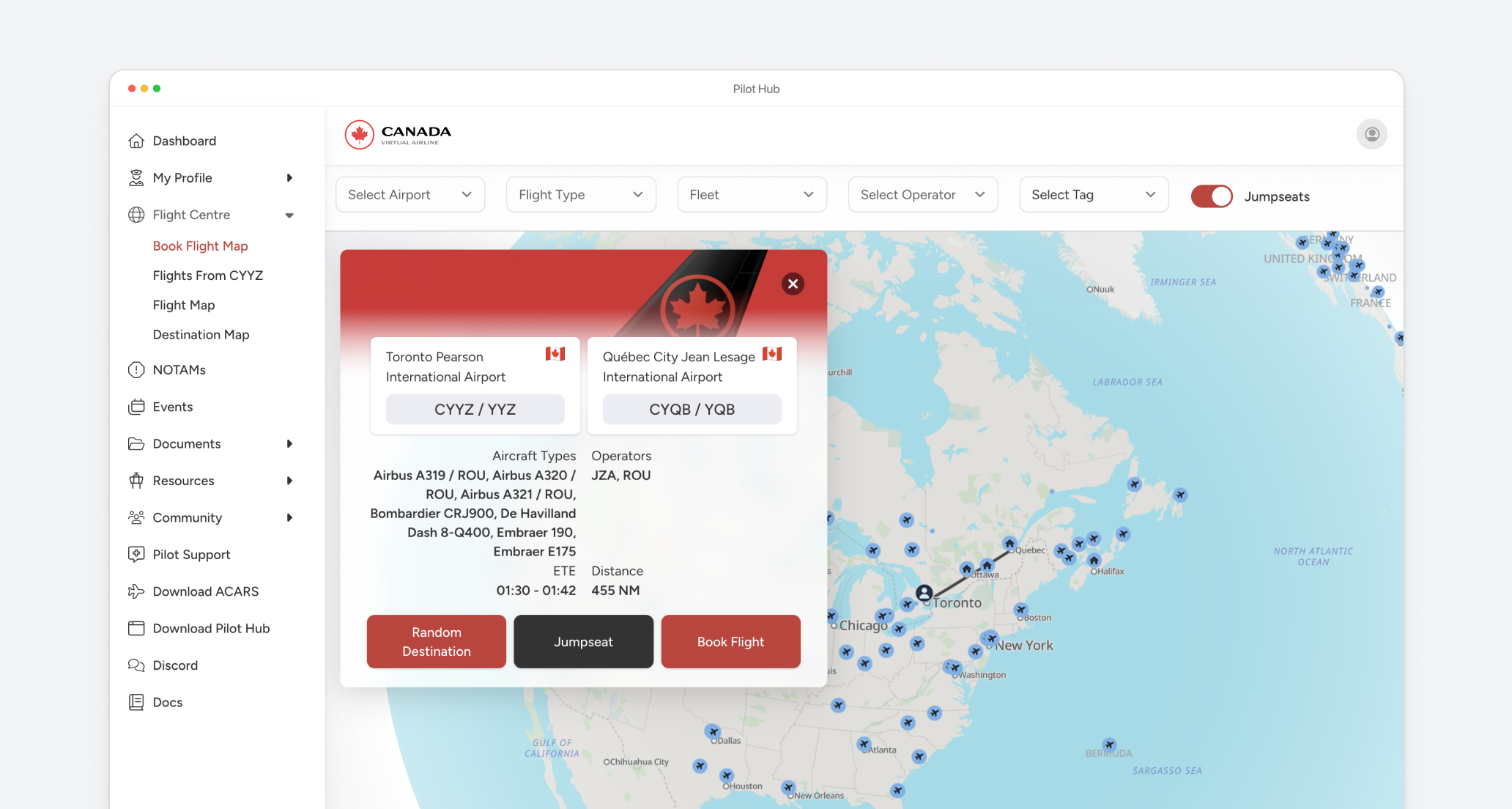
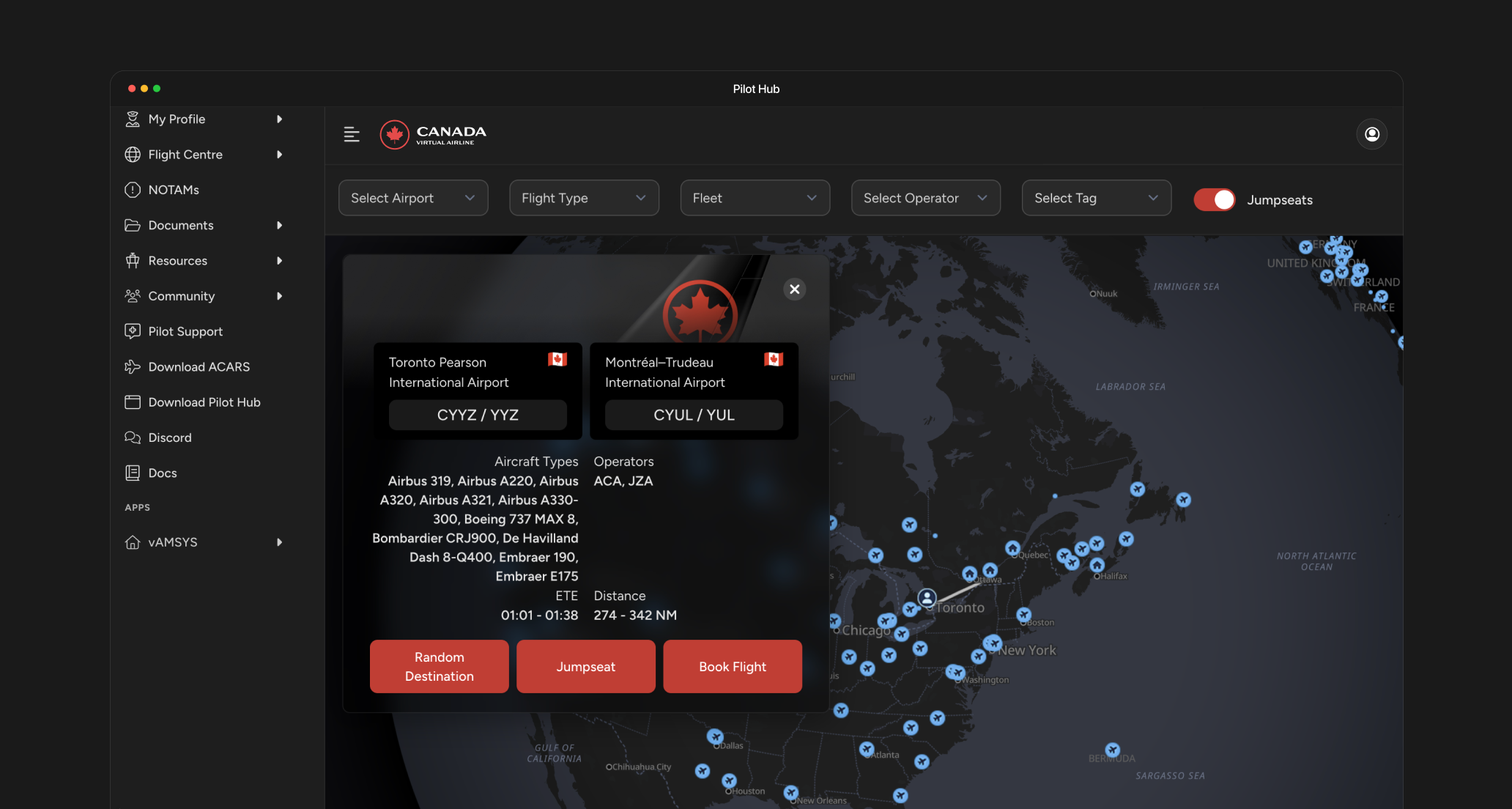
2. Navigate to the Flight Booking section
3. Choose from available routes based on your pilot rank
4. Book your flight and follow the pre-flight instructions
As a new pilot, you must meet the following initial activity requirements:
* **Initial Activity Requirement**: 1 PIREP within 60 days of registration
* **Reminder**: If the activity requirement is not met, a reminder will be sent after 5 days
* **Holiday Allowance**: 20 days per year (available only after your account is 20 days old)
These requirements ensure active participation in our virtual airline community and prevent inactive accounts. If you are unable to meet these requirements, your account will be disabled. However, you can reactivate it by meeting the requirements again.
There's no additional activity requirement after completing the initial activity requirement.
## Essential reading
Quick reference guide covering flight booking, procedures, time acceleration rules, and prohibited actions. Read this before your first flight.
## Software setup guide
Install and configure the Pilot Hub desktop application
Set up the Pegasus ACARS tracking software
Learn how to book and prepare for your flights
Understand the rank structure and how to advance
## Need Help?
For assistance with getting started:
Get answers to your questions in our active Discord community
Contact our support team for personalized assistance
## Frequently Asked Questions
No, you can adjust your sim time to match the flight times. You can do it once you have setup your sim. We suggest adding some buffer to accommodate for boarding and taxi times depending if you fly offline or online.
As a new pilot, you must meet the following initial activity requirements:
* **Initial Activity Requirement**: 1 PIREP within 60 days of registration
* **Reminder**: If the activity requirement is not met, a reminder will be sent after 5 days
* **Holiday Allowance**: 20 days per year (available only after your account is 20 days old)
There's no additional activity requirement after completing the initial activity requirement.
Yes, Virtual Air Canada Airline supports Microsoft Flight Simulator. The supported versions include:
* FS2004
* FSX
* MSFS2020
* MSFS2024
For more details on system requirements and setup, please check our [Download Software](/get-started/download-software) guide.
Yes, Virtual Air Canada Airline fully supports X-Plane. The supported versions include:
* X-Plane 10
* X-Plane 11
* X-Plane 12
For more details on system requirements and setup, please check our [Download Software](/get-started/download-software) guide.
Yes, you can submit your previous experience under My Profile → Preferences → Apply for Rank Transfer in the Pilot Portal. Adding a link to your VA profile or a screenshot is enough.
Note that the highest rank we transfer is First Officer.
100% free! There are no fees to join or participate in Virtual Air Canada Airline.
No, we are a perfect VA to get started. You can grow your experience flying with Virtual Air Canada Airline. Our community is friendly and supportive of pilots at all experience levels.
Yes, to fully participate you'll need to download our software. You can find our complete [Software Download Guide](/get-started/download-software) guide here.
That said, you can use our Pilot Portal on your browser if you prefer not to install additional software right away.
 ### Quick Setup Steps