> ## Documentation Index
> Fetch the complete documentation index at: https://docs.canadava.com/llms.txt
> Use this file to discover all available pages before exploring further.

# Download Software

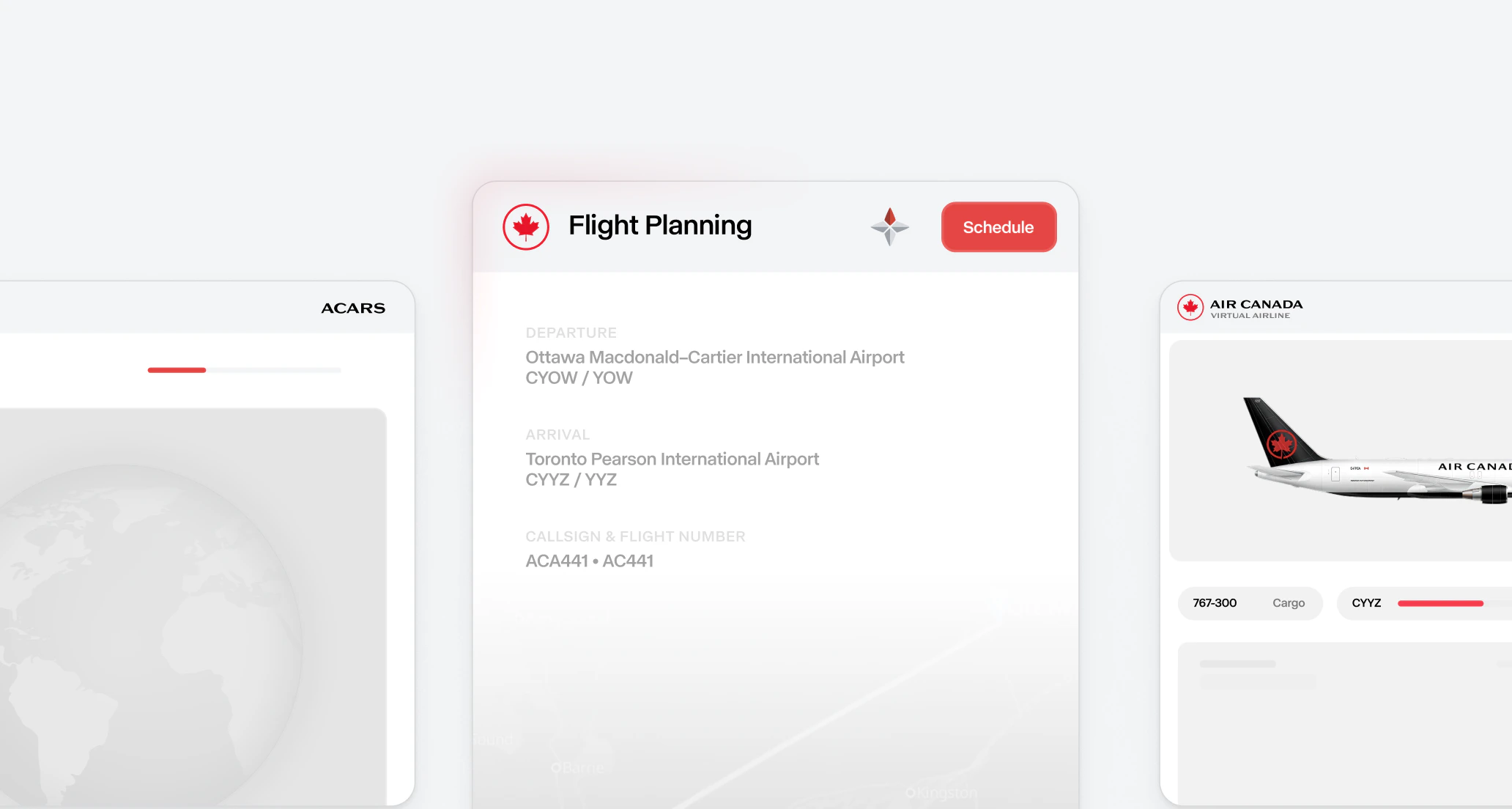
> Download Pilot Hub, Pegasus ACARS, and FSUIPC - install and configure all required software for Virtual Air Canada Airline pilots

<img className="block dark:hidden" src="https://mintcdn.com/virtualaircanada/KP2AeopusDQgTBur/images/essentials/software.png?fit=max&auto=format&n=KP2AeopusDQgTBur&q=85&s=f55e094e699b06103f9605626ca50e68" alt="Download Software" width="2064" height="1104" data-path="images/essentials/software.png" />

<img className="hidden dark:block" src="https://mintcdn.com/virtualaircanada/KP2AeopusDQgTBur/images/essentials/software-dark.png?fit=max&auto=format&n=KP2AeopusDQgTBur&q=85&s=3f5d8b3de74563f849f678b388e6d02d" alt="Download Software" width="2064" height="1104" data-path="images/essentials/software-dark.png" />

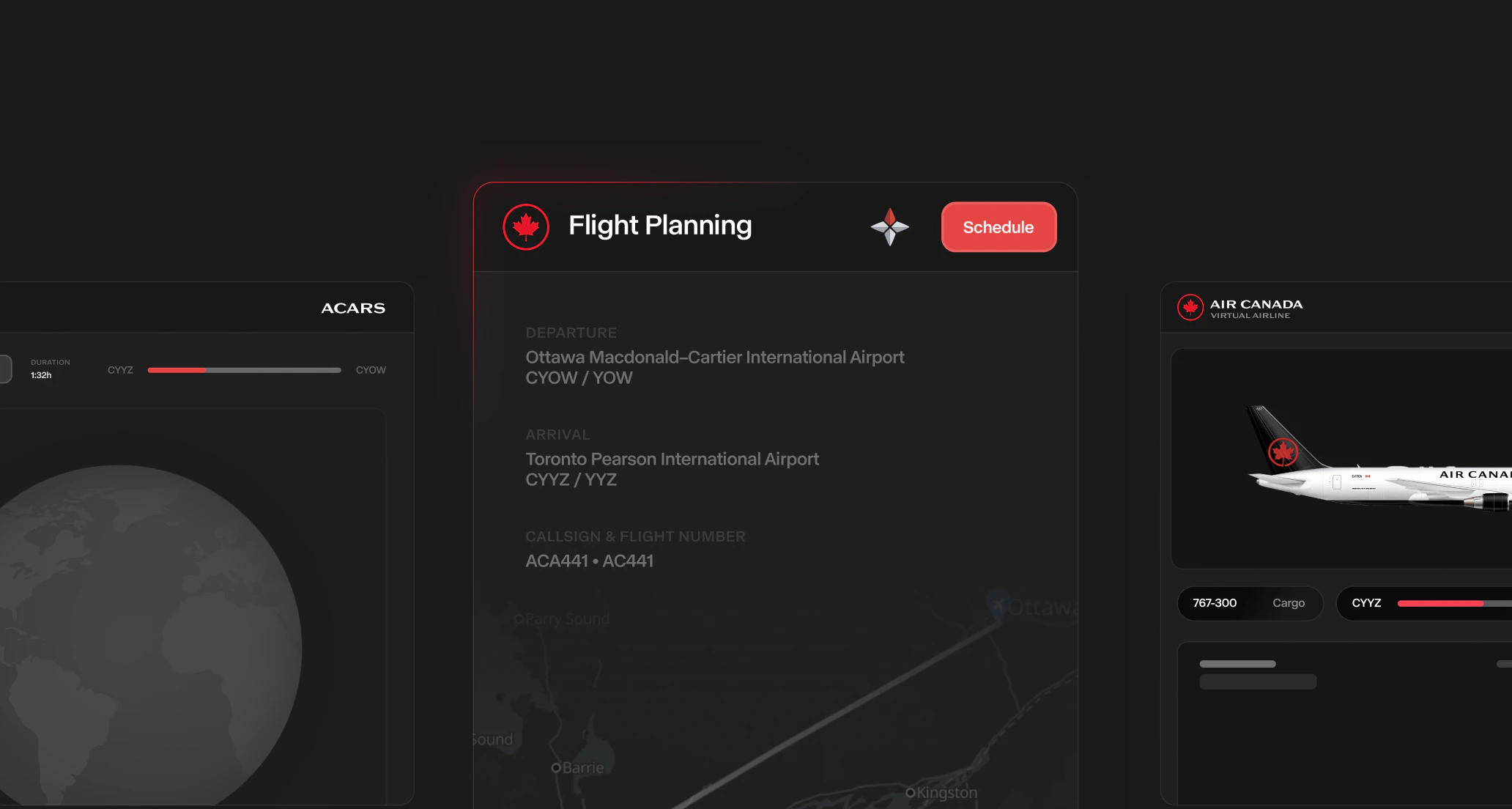
To participate in Virtual Air Canada Airline operations, you'll need to download and install several key pieces of software. This guide will help you get everything set up properly.

## Download Pegasus ACARS
<img className="block dark:hidden" src="https://mintcdn.com/virtualaircanada/cUMYLvQ4m_LX-BsB/images/essentials/acars-app-light.png?fit=max&auto=format&n=cUMYLvQ4m_LX-BsB&q=85&s=42910b3783f6e903f6b7254104159978" alt="Pegasus ACARS" width="2064" height="1104" data-path="images/essentials/acars-app-light.png" />

<img className="hidden dark:block" src="https://mintcdn.com/virtualaircanada/cUMYLvQ4m_LX-BsB/images/essentials/acars-app-dark.png?fit=max&auto=format&n=cUMYLvQ4m_LX-BsB&q=85&s=03c184e94917e9efda7e2b71247c2516" alt="Pegasus ACARS" width="2064" height="1104" data-path="images/essentials/acars-app-dark.png" />

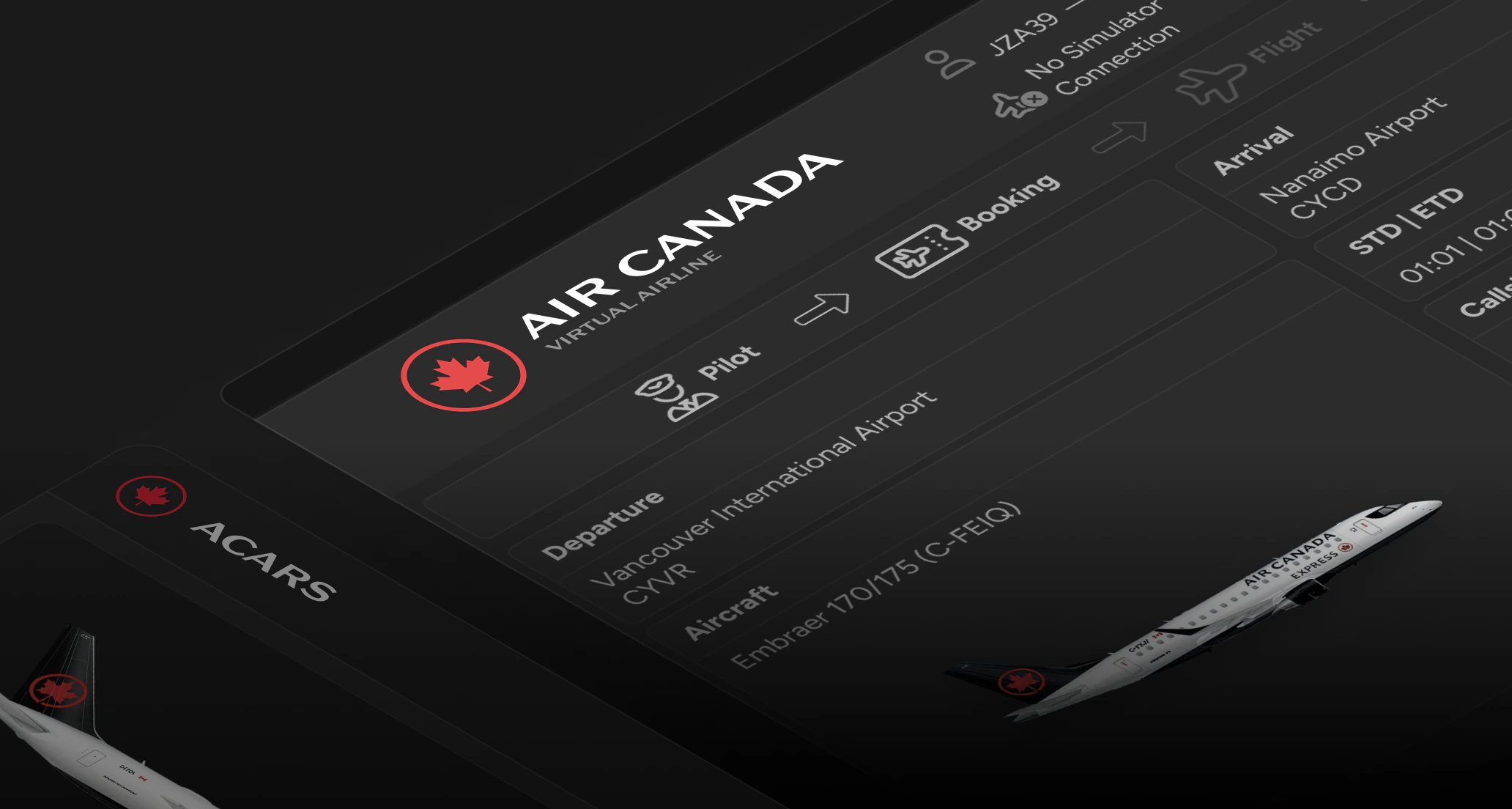
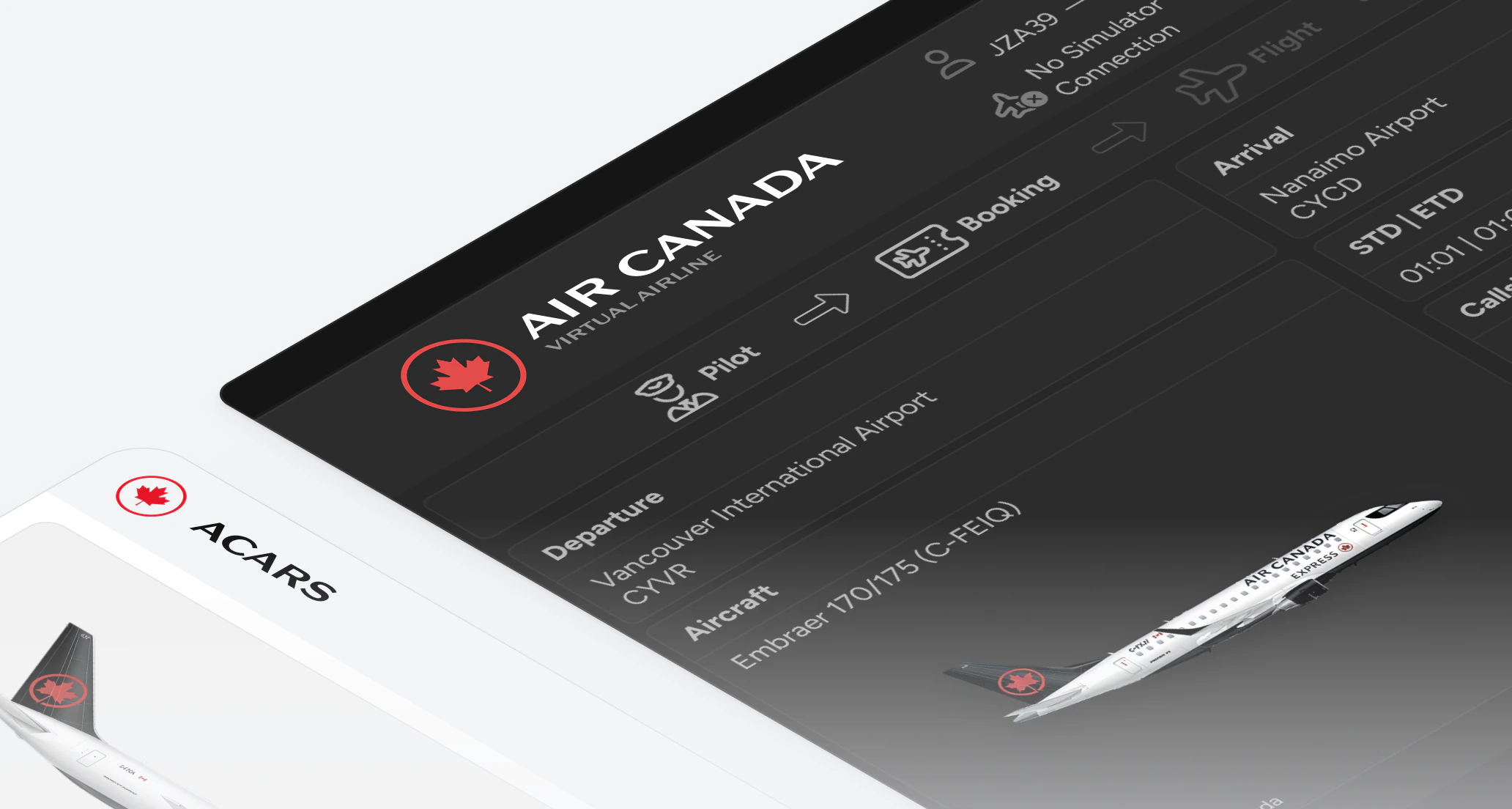
<Tooltip tip="Aircraft Communications Addressing and Reporting System" cta="See glossary" href="/aops/additional-resources/glossary/acars">Pegasus ACARS</Tooltip> is the flight tracking software that logs your flights and transmits data to our servers. It is required for all vACA flights.

<input type="checkbox" id="acars-modal" className="acars-modal-toggle" />

<label htmlFor="acars-modal" className="acars-modal-trigger">Download ACARS</label>

<div className="acars-modal-overlay">
  <div className="acars-modal-content">
    <label htmlFor="acars-modal" className="acars-modal-close">×</label>
    <h3>Download ACARS</h3>
    <p>Track your flights and submit PIREPs.</p>

    <div className="acars-download-buttons">
      <a href="https://vamsys-pegasus.ams3.cdn.digitaloceanspaces.com/vAMSYS-Pegasus-win-x64-stable-Setup.exe" className="acars-download-btn acars-download-btn-primary" download>
        Windows
      </a>

      <a href="https://vamsys-pegasus.ams3.cdn.digitaloceanspaces.com/vAMSYS-Pegasus-osx-arm64-stable-Setup.pkg" className="acars-download-btn acars-download-btn-secondary" download>
        macOS (Apple Silicon, arm64)
      </a>

      <a href="https://vamsys-pegasus.ams3.cdn.digitaloceanspaces.com/vAMSYS-Pegasus-osx-x64-stable-Setup.pkg" className="acars-download-btn acars-download-btn-secondary" download>
        macOS (Intel, x64)
      </a>

      <a href="https://vamsys-pegasus.ams3.cdn.digitaloceanspaces.com/vAMSYS-Pegasus-linux-x64-stable.AppImage" className="acars-download-btn acars-download-btn-secondary" download>
        Linux (x64)
      </a>
    </div>
  </div>
</div>

## Pilot Hub Desktop App

<img className="block dark:hidden" src="https://mintcdn.com/virtualaircanada/cUMYLvQ4m_LX-BsB/images/essentials/desktop-app-light.png?fit=max&auto=format&n=cUMYLvQ4m_LX-BsB&q=85&s=42aa638a3cff0d7ccab4ada2a789a8de" alt="Pilot Hub Desktop App" width="2064" height="1104" data-path="images/essentials/desktop-app-light.png" />

<img className="hidden dark:block" src="https://mintcdn.com/virtualaircanada/cUMYLvQ4m_LX-BsB/images/essentials/desktop-app-dark.png?fit=max&auto=format&n=cUMYLvQ4m_LX-BsB&q=85&s=cc3368ce7eb88d3926360092ebc1d01e" alt="Pilot Hub Desktop App" width="2064" height="1104" data-path="images/essentials/desktop-app-dark.png" />

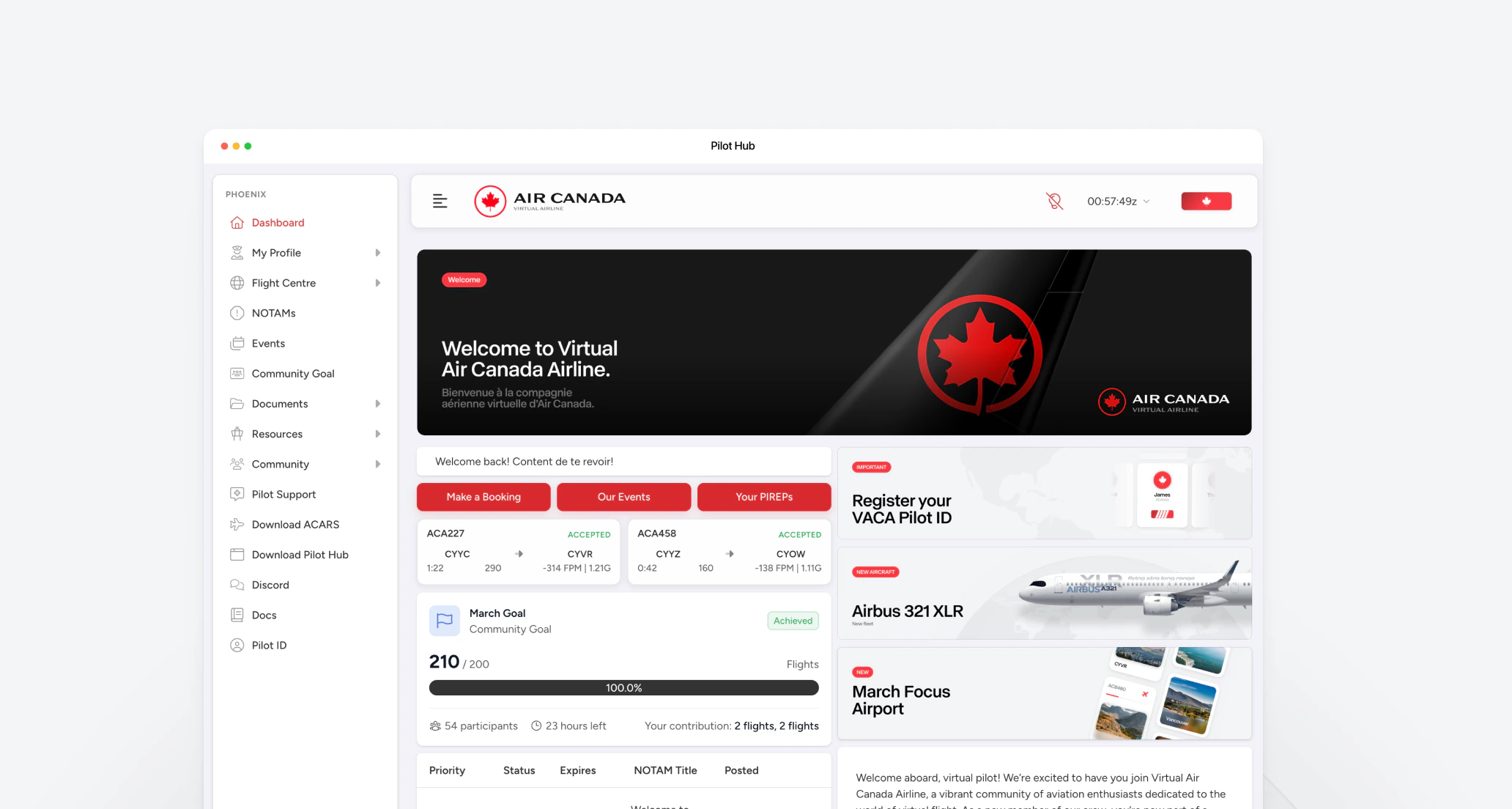
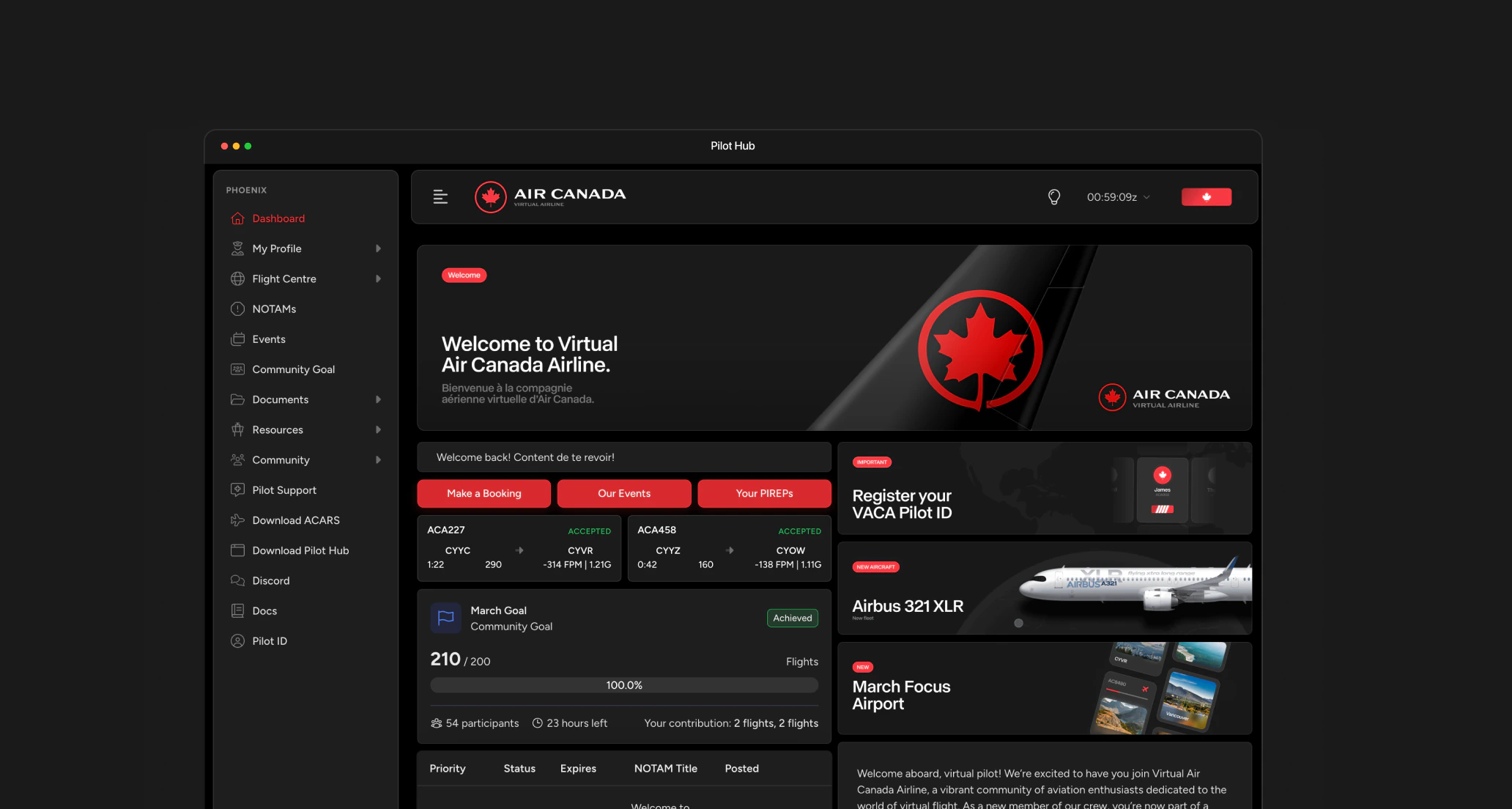
For a more convenient experience, you can download the Pilot Hub desktop app. The desktop app gives you quick access to flight booking, statistics, and pilot tools directly from your computer without needing a browser.

<a href="https://dl.todesktop.com/2505125540v3x9h/" className="todesktop-download-button-universal" download>
  <span>Download Pilot Hub</span>
</a>

## System Requirements

<Tabs>
  <Tab title="Windows">
    * **OS**: 64-bit Windows 10 or later
    * **Additional Requirements**: Must install correct version of FSUIPC for your simulator
    * **Note**: If you run your simulator as Admin, you must also launch Pegasus as Admin
  </Tab>

  <Tab title="macOS">
    * **OS**: macOS 10.15 (Catalina) or later
    * **Compatibility**: Intel and Apple Silicon supported
  </Tab>
</Tabs>

## Flight Simulator Requirements

<Tabs>
  <Tab title="Microsoft Flight Simulator">
    * **Supported Versions**: FS2004, FSX, MSFS2020, MSFS2024
    * **Recommended Specs**: Intel Core i7-12700K / AMD Ryzen 7 5800X, 32GB RAM, RTX 3080 / RX 6800 XT, 1TB NVMe SSD
    * **Required Add-ons**: None (Air Canada liveries available separately)
    * **Connection**: vACA ACARS connector module for MSFS & FSUIPC
  </Tab>

  <Tab title="X-Plane">
    * **Supported Versions**: X-Plane 10, 11, and 12
    * **Recommended Specs**: Intel Core i7-12700K / AMD Ryzen 7 5800X, 32GB RAM, RTX 3080 / RX 6800 XT, 1TB NVMe SSD
    * **Required Add-ons**: None (Air Canada liveries available separately)
    * **Connection**: vACA ACARS connector module for X-Plane
  </Tab>

  <Tab title="Prepar3D">
    * **Supported Versions**: Prepar3D v1 through v5
    * **Recommended Specs**: Intel Core i7-12700K / AMD Ryzen 7 5800X, 32GB RAM, RTX 3080 / RX 6800 XT, 1TB NVMe SSD
    * **Required Add-ons**: Varies by aircraft (see specific requirements)
    * **Connection**: vACA ACARS connector module for P3D
  </Tab>
</Tabs>

## Installation Instructions

<Steps>
  <Step title="Install Pilot Hub">
    1. Download the Pilot Hub installer for your operating system
    2. Run the installer and follow the on-screen instructions
    3. Launch Pilot Hub after installation
    4. Sign in with your vACA pilot credentials
  </Step>

  <Step title="Install Pegasus ACARS">
    1. Download the <Tooltip tip="Aircraft Communications Addressing and Reporting System" cta="See glossary" href="/aops/additional-resources/glossary/acars">Pegasus ACARS</Tooltip> installer from [canadava.com/software](https://canadava.com/software)
    2. Run the installer and follow the on-screen instructions
    3. During installation, select your flight simulator
    4. Complete the installation and launch Pegasus ACARS
    5. Sign in with the same vACA pilot credentials used for Pilot Hub

    <Warning>
      If you run your simulator as Administrator, you must also launch Pegasus ACARS as Administrator for proper connectivity.
    </Warning>
  </Step>

  <Step title="Install FSUIPC (Windows Required / MSFS2020 and MSFS2024)">
    Windows users must install the correct version of FSUIPC for their simulator:

    1. Download the appropriate FSUIPC version for your flight simulator from [fsuipc.com](https://www.fsuipc.com/)
    2. Install FSUIPC following the provided instructions
    3. Register FSUIPC if using the paid version, or use the free version for basic functionality

    <Note>
      FSUIPC is required for Pegasus to communicate properly with your flight simulator on Windows. Without the correct version, your flights will not be tracked properly.
    </Note>

    <Warning>
      FSUIPC is only required for Microsoft Flight Simulator (MSFS2020 and MSFS2024). Other simulators like X-Plane have built-in connectivity and do not require FSUIPC.
    </Warning>
  </Step>

  <Step title="Install Air Canada Liveries">
    1. Download the Air Canada livery pack for your simulator and aircraft from:
       * [FlightSim.to Air Canada Collection](https://flightsim.to/discover/air%20canada)
       * Fenix Liveries Manager (for Fenix aircraft)
    2. Extract the files to the appropriate directory:
       * MSFS: Community folder
       * X-Plane: Aircraft/\[aircraft name]/liveries folder
       * P3D: SimObjects/Airplanes/\[aircraft name]/texture.\[variant] folder
    3. Launch your simulator to verify the liveries appear correctly
  </Step>
</Steps>

## How to use Pegasus ACARS

<Card title="Using Pegasus ACARS" icon="book-open" href="/essentials/acars-guide" cta="View Usage Guide" arrow={true}>
  Learn how to properly use Pegasus ACARS, including important tips for recording flights and avoiding common issues.
</Card>

## Updating Your Software

We regularly release updates to improve functionality and add new features:

* **Pilot Hub**: Will automatically check for updates on launch
* **Pegasus ACARS**: Will prompt you when updates are available

## Troubleshooting

If you encounter issues during installation:

1. **Verify System Requirements**: Ensure your system meets the minimum requirements
2. **Check Antivirus/Firewall**: Temporarily disable security software that might block installation
3. **Run as Administrator**: Try running installers with administrator privileges
4. **Clean Install**: Uninstall previous versions completely before installing updates

## Technical Support

For installation assistance:

<CardGroup cols={2}>
  <Card title="Discord Community" icon="discord" href="https://links.canadava.com/kgNgqfb" cta="Join Discord" arrow={true}>
    Get answers to your questions in our active Discord community
  </Card>

  <Card title="Email Support" icon="envelope" href="mailto:support@canadava.com" cta="Contact Us" arrow={true}>
    Contact our support team for personalized assistance
  </Card>
</CardGroup>